1
ECS/BAS Administrator Guide
Using Databases in Call Answering Services
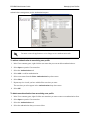
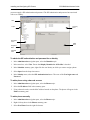
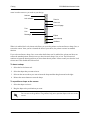
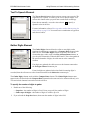
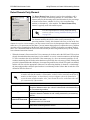
To define ODBC tables and fields
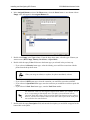
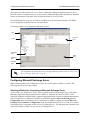
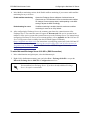
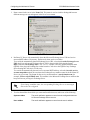
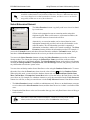
1. In the Data Sources content pane, double-click the ODBC source that you want to define.
2. From the Table list, select the table that you want to associate with the data source.
3. From the Available Fields list, select the fields that you want to include.
4. Select the Select>> button to include the selected fields.
5. Repeat steps 4 and 5 until all the fields that you want are included.
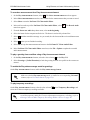
If you want to include all the available fields, select the All>> button.
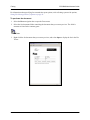
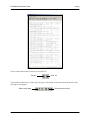
If you want to exclude fields that you have included, select the fields and select the
<<Selected button, or select the <<All button to exclude all the selected fields.
6. Select OK.
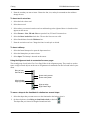
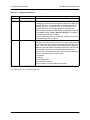
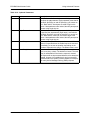
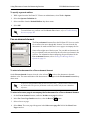
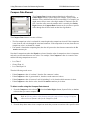
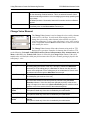
To change ODBC field attributes
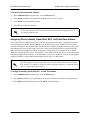
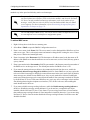
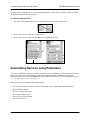
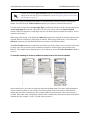
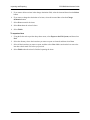
1. In the Data Sources content pane, double-click the ODBC source that you want.
2. From the Table list, select the table that contains the fields that you want to change.
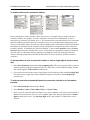
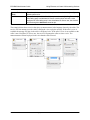
3. In the Included Fields list, select the value for the field attribute that you want to change.
4. In the new window, type the change.
5. Select outside the window to close it.
6. Select OK to save the changes.
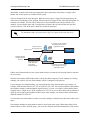
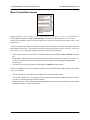
A Fetch Data or Dial for Data element can retrieve more than one row depending on the number of rows in
the source, and your filter conditions. When one or more rows are fetched, a reference to a field by another
element is always a reference to the field’s value in the “current” row, in the set of rows fetched. The Move
Current Row and Prompt for Current Row elements can be used to change which row is current.
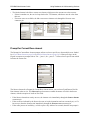
Immediately after a Fetch Data or Dial for Data element is executed, the current row is the first row.
• When only one row is fetched, the first row is the single row that was fetched.
• When multiple rows are fetched, which row is first depends on whether you defined a sort in the data
source definition.
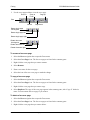
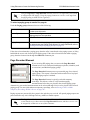
Defining a sort order
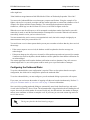
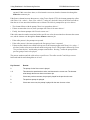
If you define a sort order in a data source, this defines the default order of rows fetched by a Fetch Data or
Dial for Data element. However, a Fetch Data element can override this order.
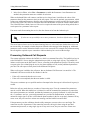
When an ODBC data source has a defined sort order, the sorting is done by the ODBC server itself, and not
619510001-1D
Copyright © 2013 ADTRAN, Inc.
331