1
ECS/BAS Administrator Guide
Using Announcements in Call Answering Services
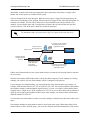
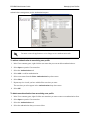
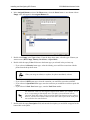
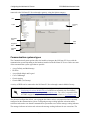
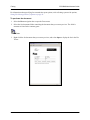
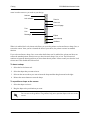
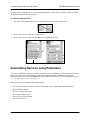
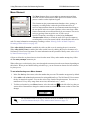
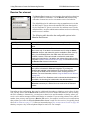
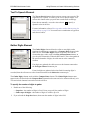
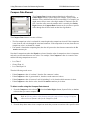
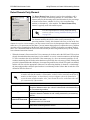
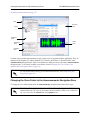
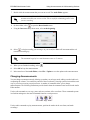
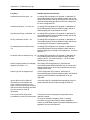
Use the playback commands to specify the playback device to use when playing the announcement within
the Audio Editor.
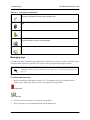
Handset Playback
Computer Speaker Playback
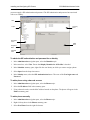
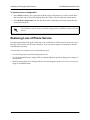
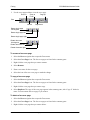
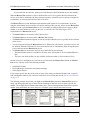
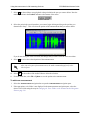
To select part of the waveform
1. Left-click anywhere in the waveform.
2. While still holding down the mouse button, drag across the portion of the audio that you want to
select.
Deselect the waveform by clicking anywhere in the waveform.
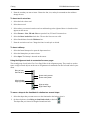
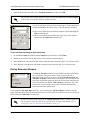
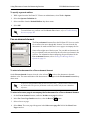
To delete part of an announcement
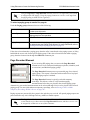
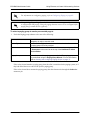
1. Select the Announcements navigation bar to open the Announcements navigation pane.
2. If the appropriate voice folder is not displayed in the Announcements navigation pane, select the
desired voice folder using the steps in Changing the Voice Folder in the Announcements Navigation
Pane on page 314.
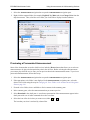
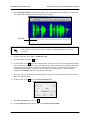
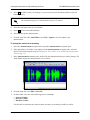
3. In the Announcements summary pane, double-click the announcement that contains the part you
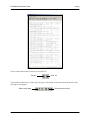
want to delete. The Audio Editor displays the announcement as a waveform.
4. From the menu bar, select View > Zoom to Fit All.
5. From the toolbar, select
.
6. On the toolbar, select
. Listen to the announcement once or twice to pinpoint the portion of the
waveform you want to delete.
619510001-1D
Copyright © 2013 ADTRAN, Inc.
321