1
6.0
TROUBLE- SHOOTING GUIDE
6.1
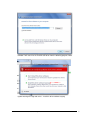
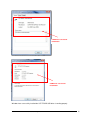
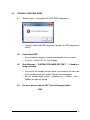
Software error – cannot detect Ez-SPD DDR4 Programmer
•
6.2
6.3
6.4
Check all Cable and USB connections between Ez-SPD programmer
and PC
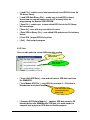
Cannot Read SPD
•
Ensure module is properly inserted and aligned in the test socket.
•
If all fails – contact CST for Tech Support
Error Message – “ WAITING FOR HANDLER START” ... .if handler is
being interfaced
•
Ensure that the Handler interface cable is connected to the front side
of the handler which have a 20pin Female mating connector.
•
Set the handler Mode setting : Sampling rate = 2200ms , Sort =
2000ms for optimum setting
For other queries, contact CST Technical Support Hotline.
END
EZ-SPD DDR4 DIMM PC Interface Control _V1.0
34