1
5
Kyubit AnalysisPortal, Dashboards user manual
2. Managing Data Sources
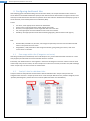
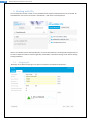
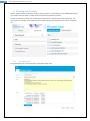
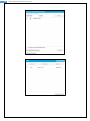
All data for dashboard elements is retrieved from data sources that contains interesting business data for
presentation. Once created, data sources are used from multiple queries and analysis. To see all existing data
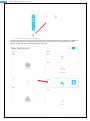
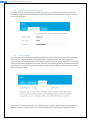
sources in AnalysisPortal, open Dashboards -> Data Source (tab).
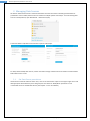
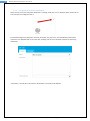
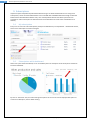
Create new OLAP or SQL data source for future queries and analysis.
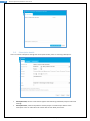
For both, OLAP and SQL data sources, custom connection strings could be set and connection could be tested
before data source is save.
2.1.
Set Data Source permissions
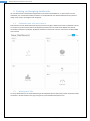
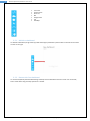
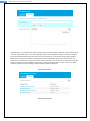
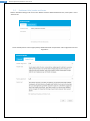
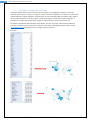
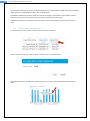
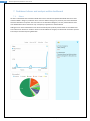
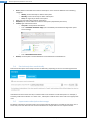
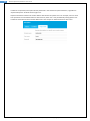
If Data Source should be visible to other users, click on the ‘Permissions’ options in the upper-right corner and
add appropriate Active Directory users and groups to have ‘Read’ or ‘Read/Write’ permissions or set
unrestricted access to created Data Source. (See chapter 7.1. for more details)
Dashboards with AnalysisPortal user manual, www.kyubit.com - [email protected]