1
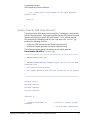
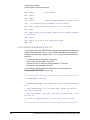
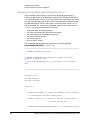
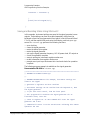
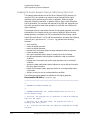
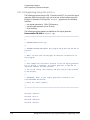
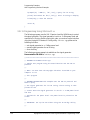
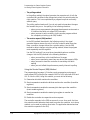
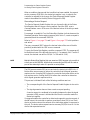
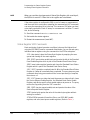
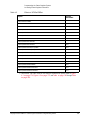
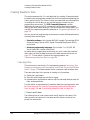
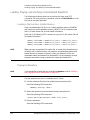
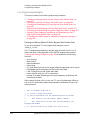
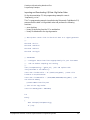
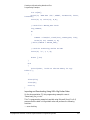
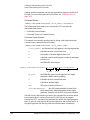
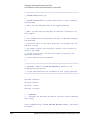
Creating and Downloading Waveform Files
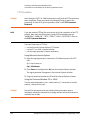
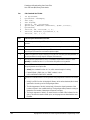
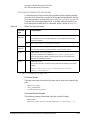
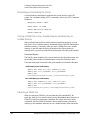
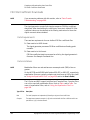
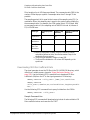
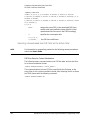
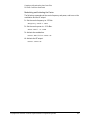
Programming Examples
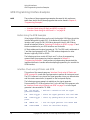
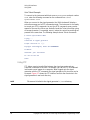
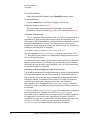
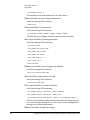
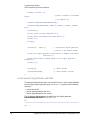
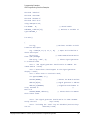
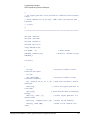
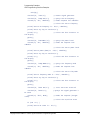
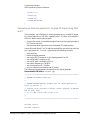
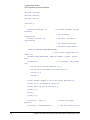
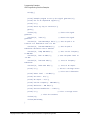
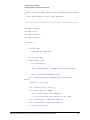
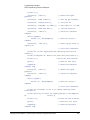
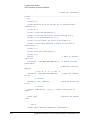
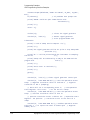
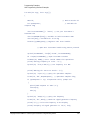
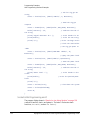
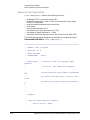
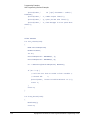
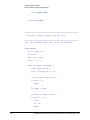
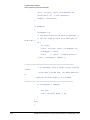
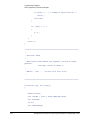
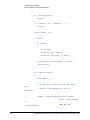
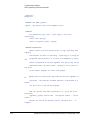
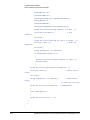
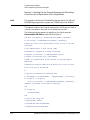
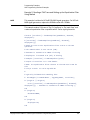
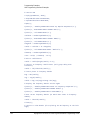
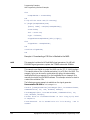
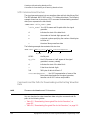
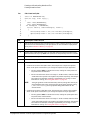
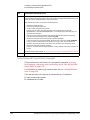
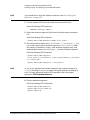
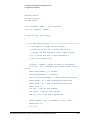
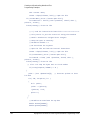
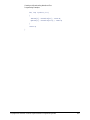
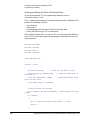
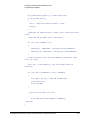
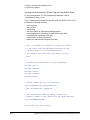
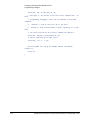
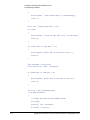
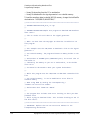
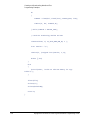
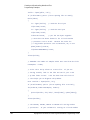
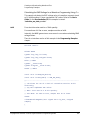
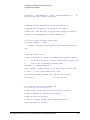
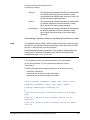
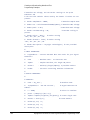
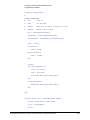
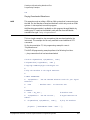
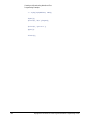
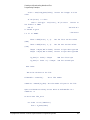
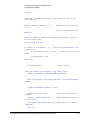
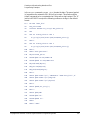
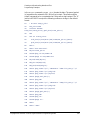
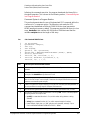
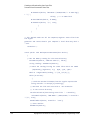
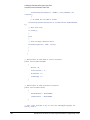
End With
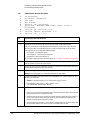
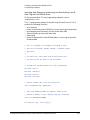
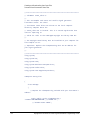
numPoints = (FileLen(strFilename))
file: 800 bytes
'Get number of bytes in the
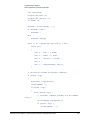
ReDim iq_data(0 To numPoints - 1)
to the
'Dimension the iq_data array
'size of the IQ_DataVB file:
800 bytes
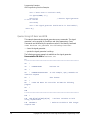
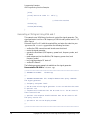
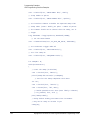
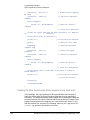
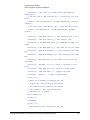
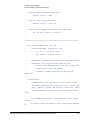
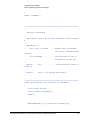
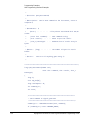
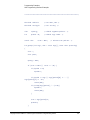
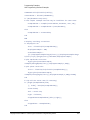
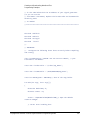
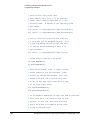
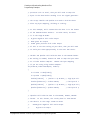
Open strFilename For Binary Access Read As #FileHandle
file for binary read
'Open the
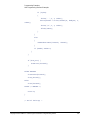
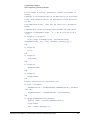
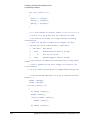
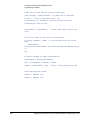
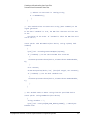
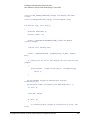
On Error GoTo file_error
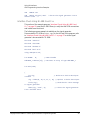
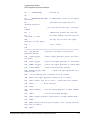
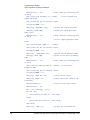
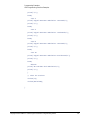
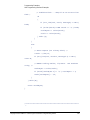
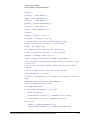
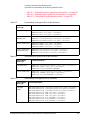
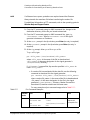
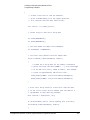
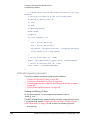
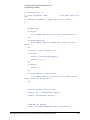
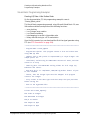
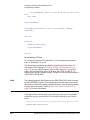
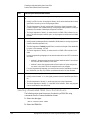
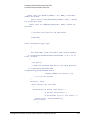
For index = 0 To (numPoints - 1)
iq_data array
'Write the IQ_DataVB data to the
Get #FileHandle, index + 1, data
'(index+1) is the record
number
iq_data(index) = data
Next index
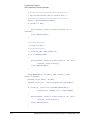
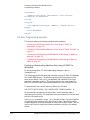
Close #FileHandle
'Close the file
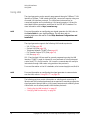
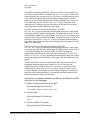
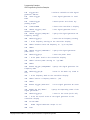
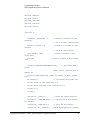
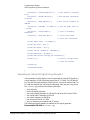
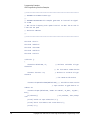
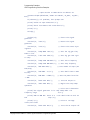
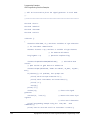
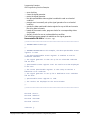
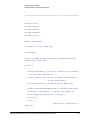
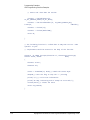
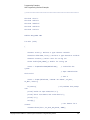
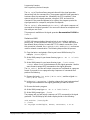
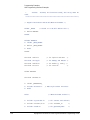
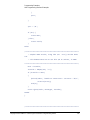
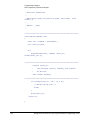
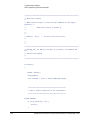
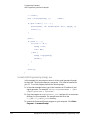
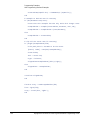
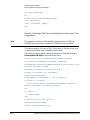
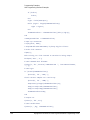
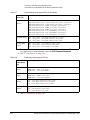
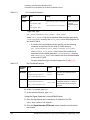
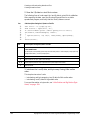
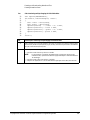
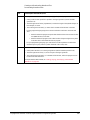
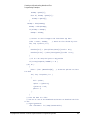
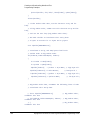
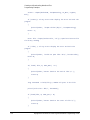
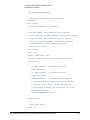
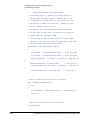
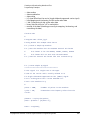
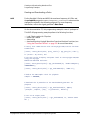
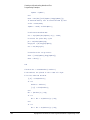
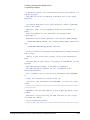
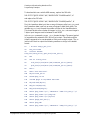
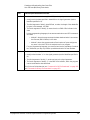
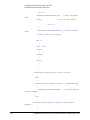
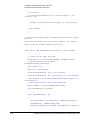
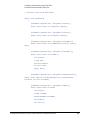
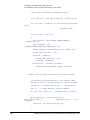
'Write the command to the Header string. NOTE: syntax
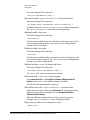
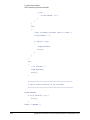
Header = "MEM:DATA ""/USER/WAVEFORM/IQ_DataVB"","
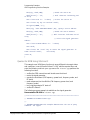
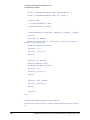
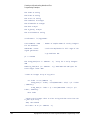
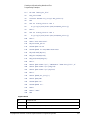
'Now write the data to the signal generator's non-volatile memory
(NVWFM)
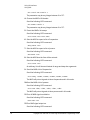
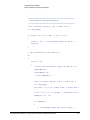
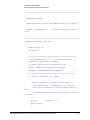
SigGen.WriteIEEEBlock Header, iq_data
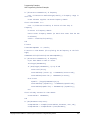
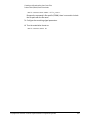
SigGen.WriteString "*OPC?"
complete
response = SigGen.ReadString
the OPC? query
'Wait for the operation to
'Signal generator reponse to
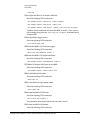
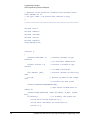
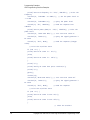
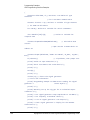
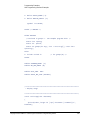
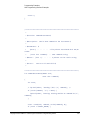
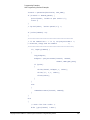
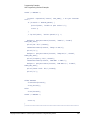
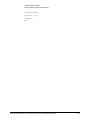
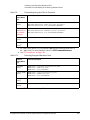
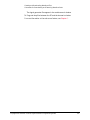
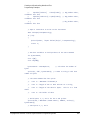
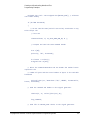
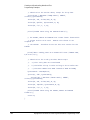
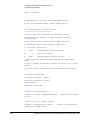
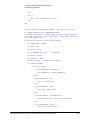
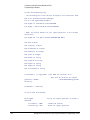
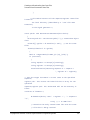
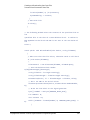
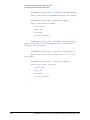
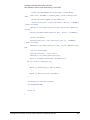
Call MsgBox("Data downloaded to the signal generator", vbOKOnly,
"Download")
Exit Sub
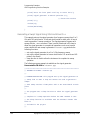
Keysight EXG and MXG X-Series Signal Generators Programming Guide
311