1
BlueStep™ Technologies
Greeting
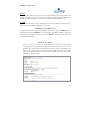
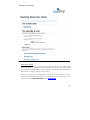
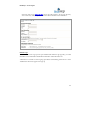
User will be greeted when they visit the site, if they have affiliated with the site in the past. The
greeting will display the time of day and the first name associated with their username. For
example, “Good morning, John”. There is no user intervention allowed with this tab.
My Profile
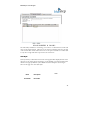
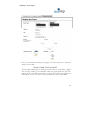
There is also a navigation tab that will take them to their user profile area, where they can
update or change information about their own account.
PERSONAL INFORMATION
The personal information will be determined by the level and usage of RelateTM. If the
organization has purchased RelateTM, you can determine the number of fields you allow the
users of the site to modify. If you have not purchased RelateTM, then the personal information
section will not be available.
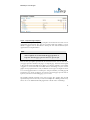
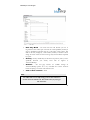
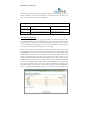
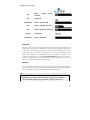
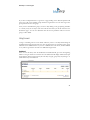
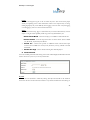
ONLINE ACCOUNT
Users of the site can change basic information about their account. This includes
username, password, re-type password, question we’ll ask and answer. Users can also
determine the e-mail format for announcements from the system. Occasionally, users
will not have a mail system that will accept formatted e-mails. In this case, they should
select the not formatted option to alleviate any formatting issues when they receive
notifications from the system.
43