1
Preparing for a Scanning Session
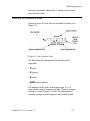
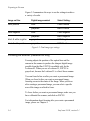
Exposure Setting Exposure Time
0
optimum time (determined by calibration process)
-1
half the optimum exposure time
-2
one fourth the optimum exposure time
-3
one eighth the optimum exposure time
+1
two times the optimum exposure time
+2
four times the optimum exposure time
+3
eight times the optimum exposure time
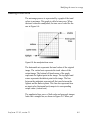
Figure 2-5: Relationship of exposure settings to exposure time
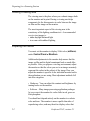
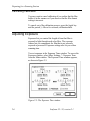
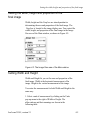
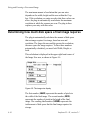
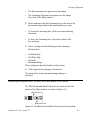
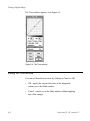
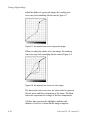
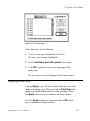
The triangle marks the current exposure setting. The triangle
is always located between the dotted vertical lines. The dotted
vertical lines represent the available exposure range settings
for a particular image. The calibration process determines
this range.
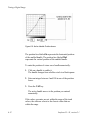
The Current field indicates the exposure time associated
with the current setting in the slider.
The Optimum field always records the optimum exposure
time value of the 0 setting. Zero is the exposure setting that
represents optimum exposure time. Optimum exposure time
is determined by the calibration process.
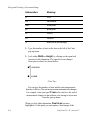
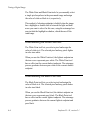
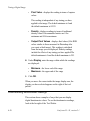
The letting indicator is located over each slider.
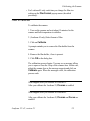
• If you select Optimum, the setting indicator is set to
Optimum on all the sliders.
• If you select either Minimum or Custom, the setting
indicator displays a number that indicates the exposure
setting, or placement of the triangle on the slider.
2-8
Leafscan 35 / 45, version 2.1