1
Toning a Digital Image
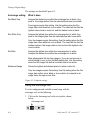
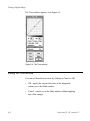
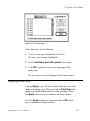
Resetting a tone curve
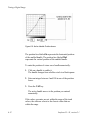
Resetting a tone curve straightens the current tone curve.
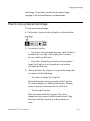
To reset a tone curve, click on Reset in the Toning window.
Using the Densitometer
This section describes the plug-in densitometer display.
What is a densitometer?
In traditional photography, a densitometer is a device that
measures density of inks and emulsions and reports the
density in numeric values. Density represents the degree of
darkness in an area.
A digital densitometer is a software tool that measures and
displays the values of pixel components in terms of capture
and final values. You may elect to convert the pixel values into
a more traditional densitometer reading (for example,
between 0.0 and 4.0). Using a densitometer is more reliable
than gauging by eye whether a tone that is displayed on the
monitor has a specific value.
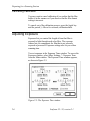
When you place the mouse cursor in the image display area,
the cursor acts as a densitometer and displays readings in the
area to the right of the tool palette.
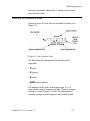
The basic steps to using the digital densitometer are:
1. Setting the densitometer to read and display values the
way you want.
2. Using the densitometer to get readings.
6-18
Leafscan 35 / 45, version 2.1