1
AIM CrossChex User Manual
8.2.5.
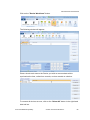
Export to GMS
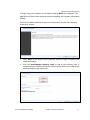
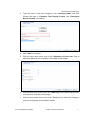
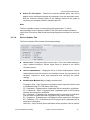
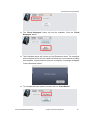
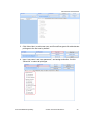
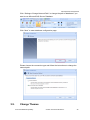
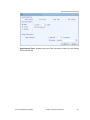
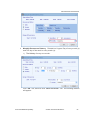
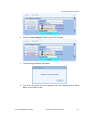
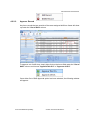
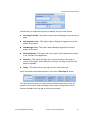
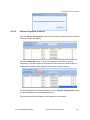
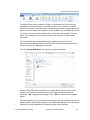
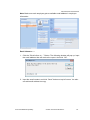
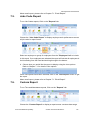
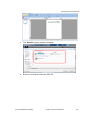
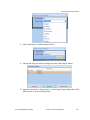
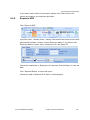
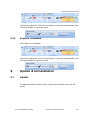
Click “Export to GMS“.
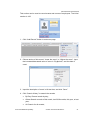
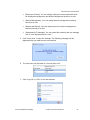
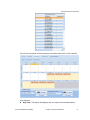
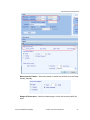
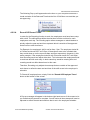
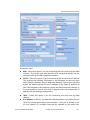
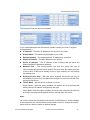
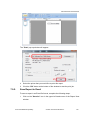
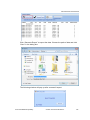
Input Program Element Number, and choose “Batch Format” or “Individual
Format”.
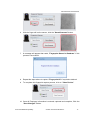
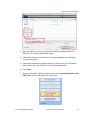
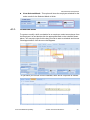
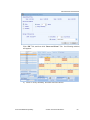
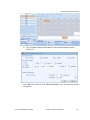
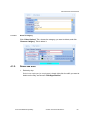
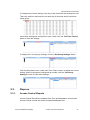
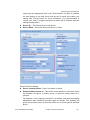
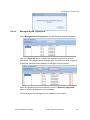
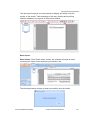
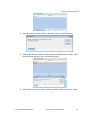
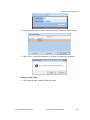
Choose the employees and click “Preview Export” to view the exported data.
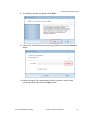
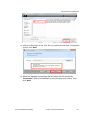
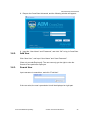
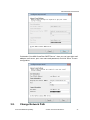
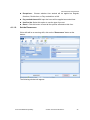
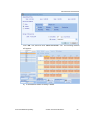
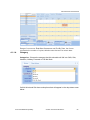
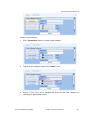
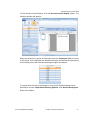
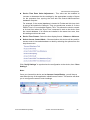
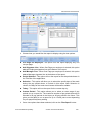
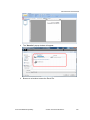
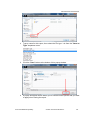
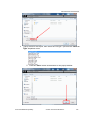
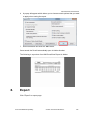
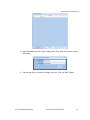
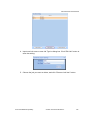
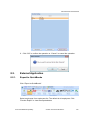
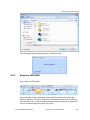
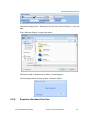
Click “Generate Export” to export the report. Choose the path of data and click
“Save” in the dialog box.
Anviz Confidential Proprietary
© 2001-2013 Anviz Global Inc.
139