1
AIM CrossChex User Manual
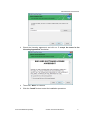
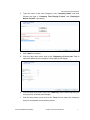
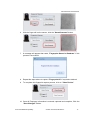
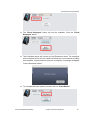
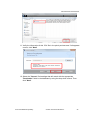
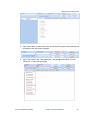
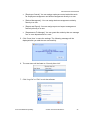
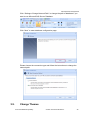
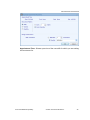
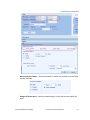
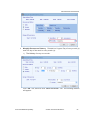
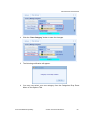
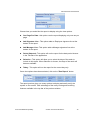
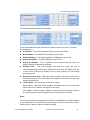
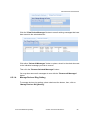
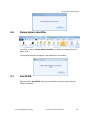
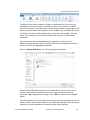
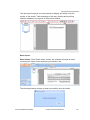
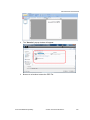
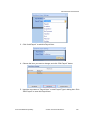
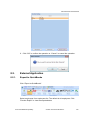
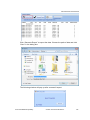
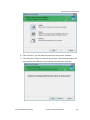
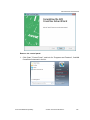
2. Click “Uninstall” button, the following window will show you the process of
uninstallation.
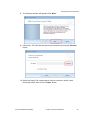
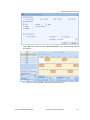
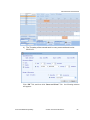
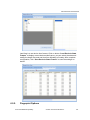
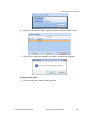
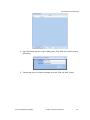
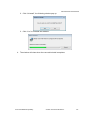
3. The window will close when the removal/uninstall completes.
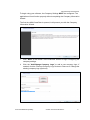
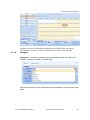
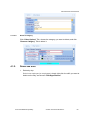
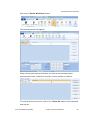
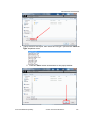
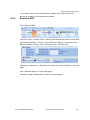
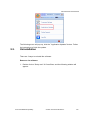
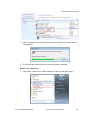
Remove via start menu:
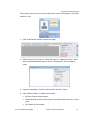
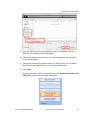
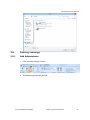
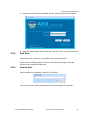
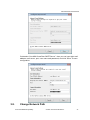
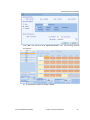
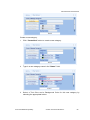
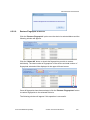
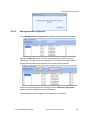
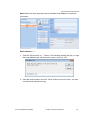
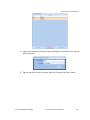
1. Click “Start”, and look for “AIM CrossChex” folder on left side, click it.
Anviz Confidential Proprietary
© 2001-2013 Anviz Global Inc.
146