1
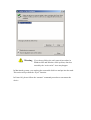
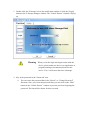
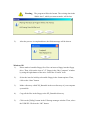
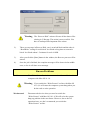
Warning The program will do the format. The existing data in the
“Public Area”, which you want to make, will be lost.
5).
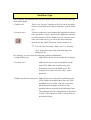
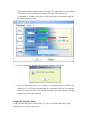
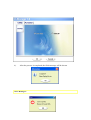
After the process is completed done, the finish message will be shown.
Windows XP:
1).
Please make a bootable floppy first. You can insert a floppy into the floppy
drive. Then, click on the icon of 3.5” floppy in the “My Computer” window
by using the right button of the mice. Select the “Format” item.
2).
Select the item for build up a bootable floppy in the format options. Then,
click on the “Start” button.
3).
Make a directory called XP_Bootable in the root directory of your computer
system disk.
4).
Copy all the files in the floppy to the XP_Bootable directory.
5).
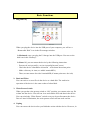
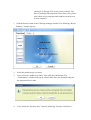
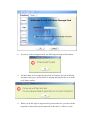
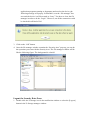
Click on the [Utility] button in the U-Storage manager window. Then, select
the USB ZIP. Click on the “OK” button.