1
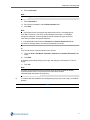
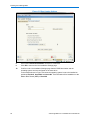
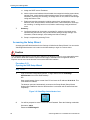
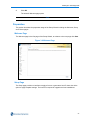
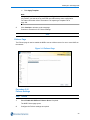
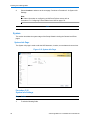
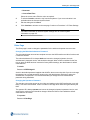
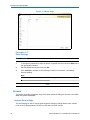
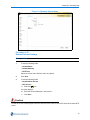
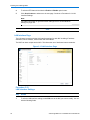
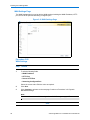
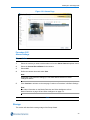
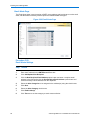
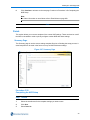
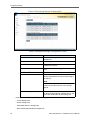
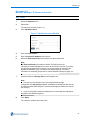
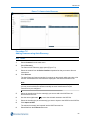
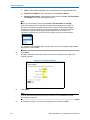
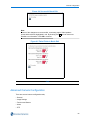
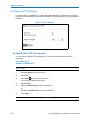
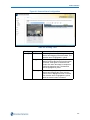
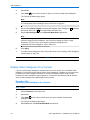
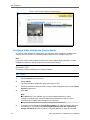
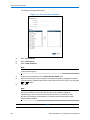
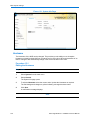
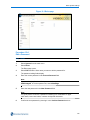
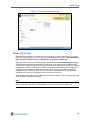
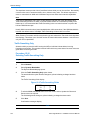
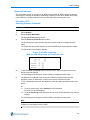
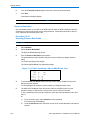
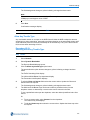
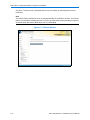
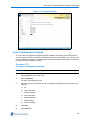
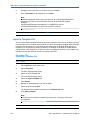
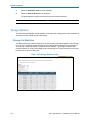
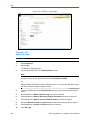
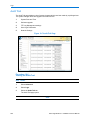
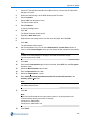
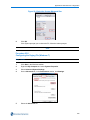
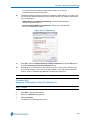
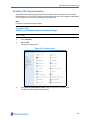
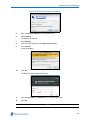
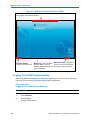
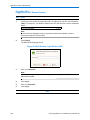
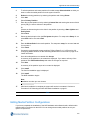
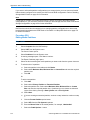
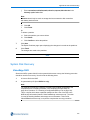
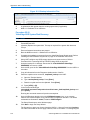
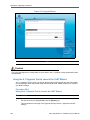
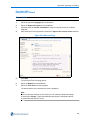
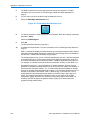
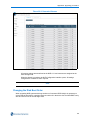
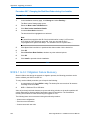
Appendix B: Web Client Pre-configuration Procedure 23-1 Configuring the Paging File (XP) Step Action 1 Click Start in the Windows taskbar. 2 Right-click My Computer and select Properties. 3 Select the Advanced tab. 4 In the Performance section, click Settings. 5 Select the Advanced tab. 6 In the Virtual Memory section, click Change. Figure 23-1 Change Virtual Memory 7 238 In the Paging file size for selected drive section, select System managed size and click Set. Video Edge NVR 4.2.1 Installation and User Manual