1
Adding 3rd Party Widgets To Pages
Do you have an account on another website and wish that you could include some of that content
on your own website? Maybe add a video from youtube or a feed from Twitter? This is how you
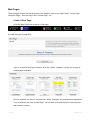
do it! Go to the page on your site that you wish to add the content to and scroll to the bottom. You
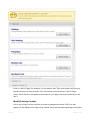
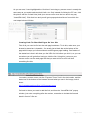
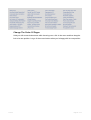
then need to click on “3rd Party Widgets” and you will see a list of websites come up, something like
below:
YouTube Videos
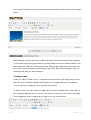
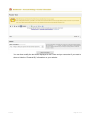
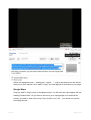
Click the “Add To Page” button on the Videos section. You will then see a box appear with
the heading “Embed Code”. All you have to do now is go to youtube.com and find the video
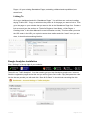
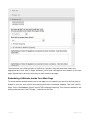
you want to use on your website. Then click the Embed link… you should end up with
something like this:
v1.01.00
Page 21 of 34