1
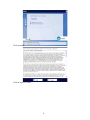
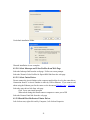
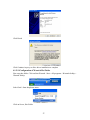
Use default installation folder.
Wasatch installation is now complete.
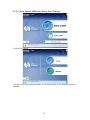
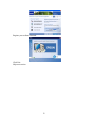
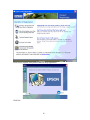
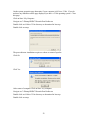
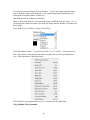
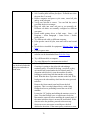
4.1.5.8 Select Inkscape and Color Profiles from Web Page
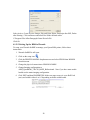
Select the Inkscape link from the web page. Follow on screen prompts
Select the Wasatch Color Profiles for Epson B500 link from the web page
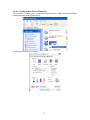
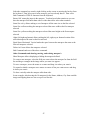
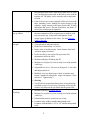
4.1.5.9 Select Cutter Driver
Do not connect the Axxis finisher to the computer until told to do so by the cutter driver.
Connection from PC to Axxis Finisher is either by USB or Ethernet. If you want to read
about using the Ethernet port for the cutter see the document Website Copy / CD Copy.
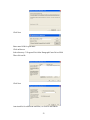
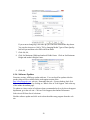
Select the cutter driver link from web page
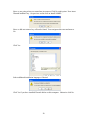
Click Yes to auto install question
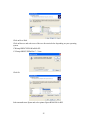
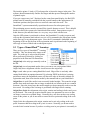
When asked during this install connect computer to cutter port of SR
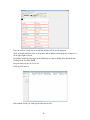
Select the Remote Panel link from the web page
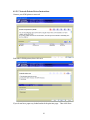
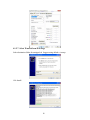
4.1.5.10Install Port Redirector Printer Driver
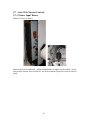
Left click on start, right click on My Computer , left click on Properties
21