1
6.13
Deleting a Test Session
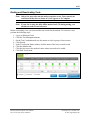
Note: Most users cannot delete a test session. Each organization determines which
users may delete test sessions.
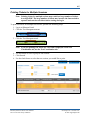
On occasion, you may need to delete a test session that was created in error or a test session that
has not been and will not be used. To delete a test session, perform the following steps.
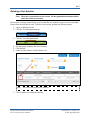
1. Log in to Educator Portal.
2. Click the Test Management menu.
3. Click the Test Management tab.
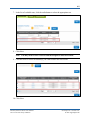
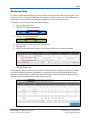
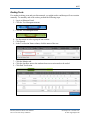
4. Use the menus to narrow the list of sessions.
5. Click Search.
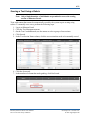
6. In the Actions column, click the delete icon.
Hint: The delete icon looks like a trash can.
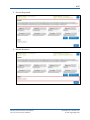
7. Click Continue to confirm the deletion.
KITE™ | Educator Portal User Manual
2015 © The University of Kansas
ATS Help Line: 785.864.3537
Or [email protected]