1
BrainMaster BrainAvatar User Manual
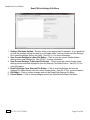
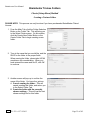
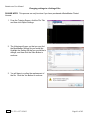
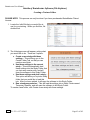
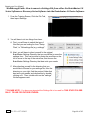
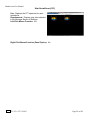
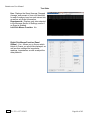
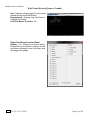
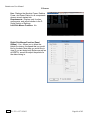
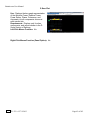
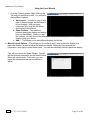
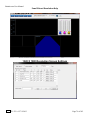
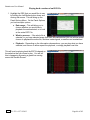
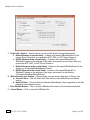
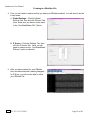
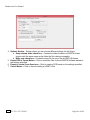
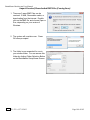
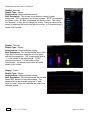
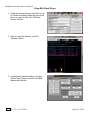
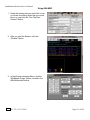
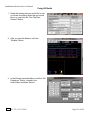
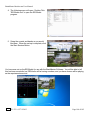
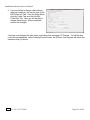
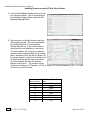
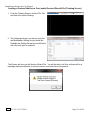
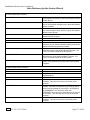
4. When the following screen appears, it will
give you 3 options: Floppy, Email, NO.
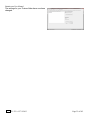
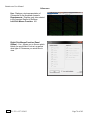
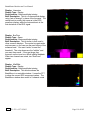
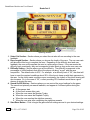
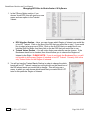
A. My Computer – This option will allow you
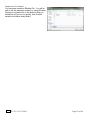
to direct where the bmz file is saved. If
you choose this option, an extra screen
will appear that you will have to confirm
what you have don on.
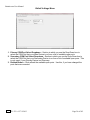
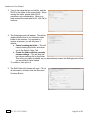
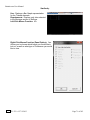
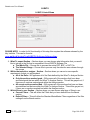
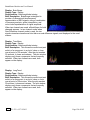
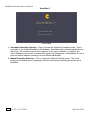
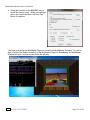
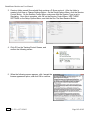
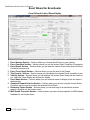
B. Email – In order for this to work properly,
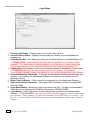
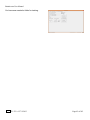
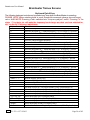
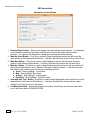
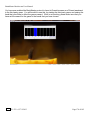
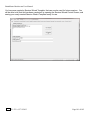
two things are needed. First, proper Email information needs to be filled in from
the Login page(See attached Picture). Second, the E-Mail account has to be tied through
Microsoft Outlook.
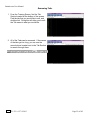
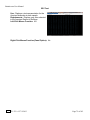
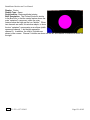
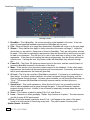
C. NO – This is the option that most people will use. This will still create the BMZ, but it will
not E-Mail it, or save it to a Floppy, it will simply create the BMZ File at
C:\brainm.20\archive.
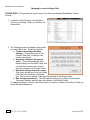
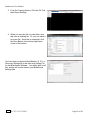
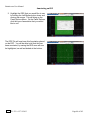
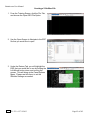
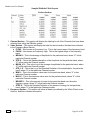
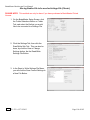
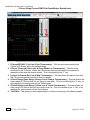
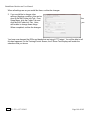
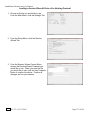
You now have a BMZ file created. You will be able
to tell this is complete by seeing the achive of the
folder in c:\ProgramData\BrainMaster\archive. Or, if
you directed to another location, you will be able to
find this file in this location.
REF
531-322 v1.2 7/9/2013
Page 108 of 182