1
BrainMaster BrainAvatar User Manual
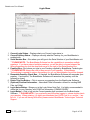
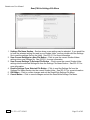
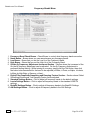
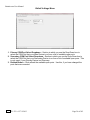
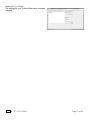
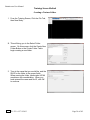
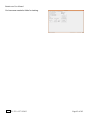
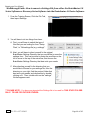
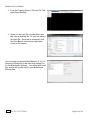
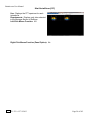
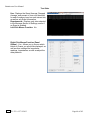
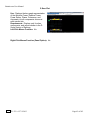
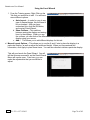
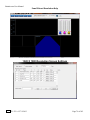
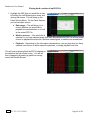
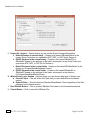
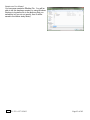
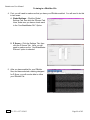
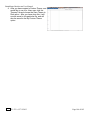
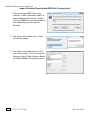
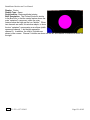
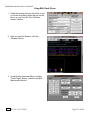
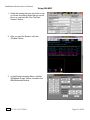
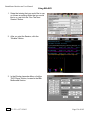
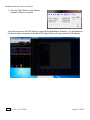
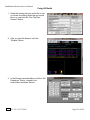
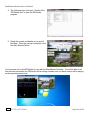
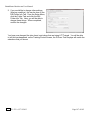
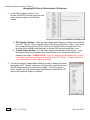
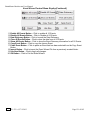
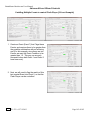
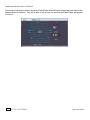
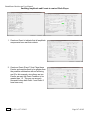
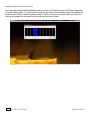
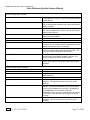
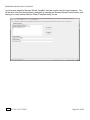
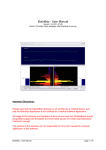
6. When the following screen appears, click the
Create Key A File Button. This will create a
text document
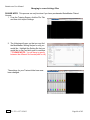
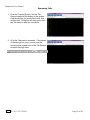
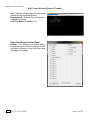
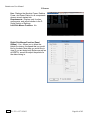
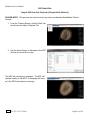
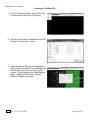
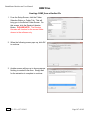
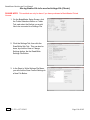
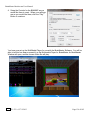
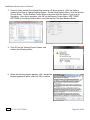
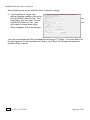
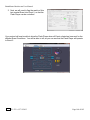
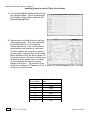
7. Save the document to the folder that was created named BrainMasterInstalls. E-Mail the
document to [email protected]. Once the Key-B is created, it will be E-Mailed
to you. In order to put the Key-B into the system, you will need to run another session with the
folder created to receive our Key-A
REF
531-322 v1.2 7/9/2013
Page 143 of 182