1
AMI Configuration Commands
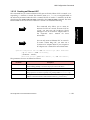
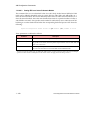
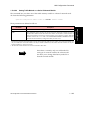
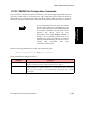
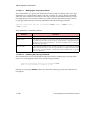
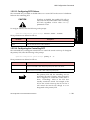
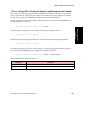
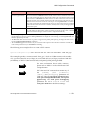
Because the logging of each change can generate
a lot of extra traffic, it is recommended that you
enable this feature only after you have reached
your initial desired configuration. This tool is
most useful as a security feature for logging any
minor modifications which occur after that.
NOTE
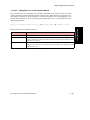
The AMI syslog messages generally come in pairs with the result of the first message saying
Pending, and the second message giving the outcome. There are some exceptions, such as
any change that makes it impossible to send the result to syslog (such as rebooting the switch).
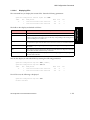
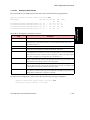
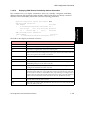
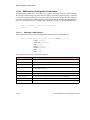
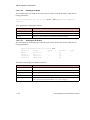
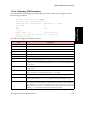
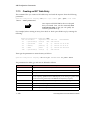
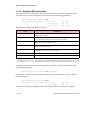
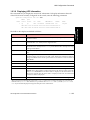
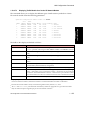
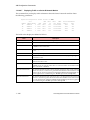
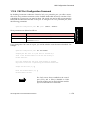
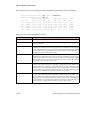
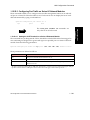
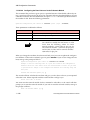
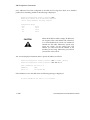
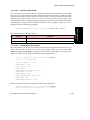
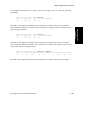
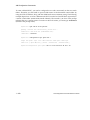
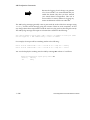
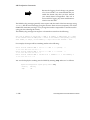
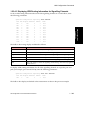
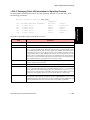
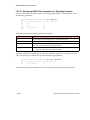
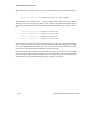
The AMI syslog messages are output in a format that is similar to the following:
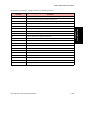
date time IP address or switch name :: AMI :: userid :: IP address or serial port (where
the user logged in) :: AMI command string :: result of command
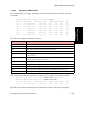
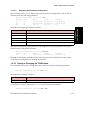
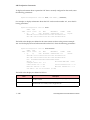
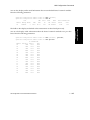
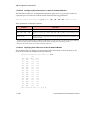
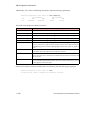
For example, the output will be something similar to the following:
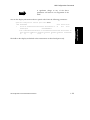
AUG 28 12:36:40 fishtank AMI :: ami :: 169.144.87.22 :: snmp off :: Pending
AUG 28 12:36:41 fishtank AMI :: ami :: 169.144.87.22 :: snmp off :: Success
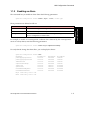
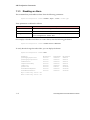
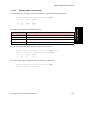
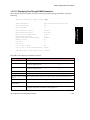
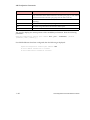
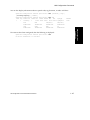
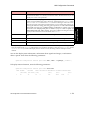
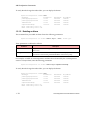
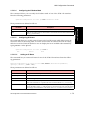
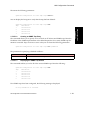
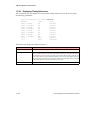
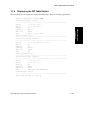
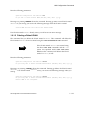
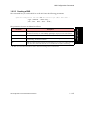
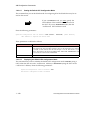
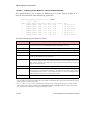
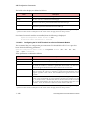
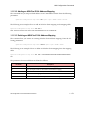
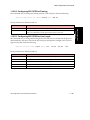
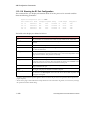
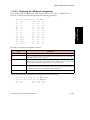
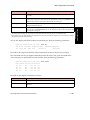
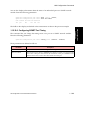
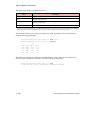
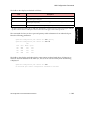
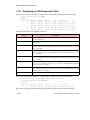
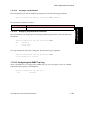
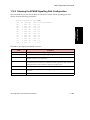
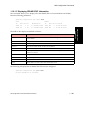
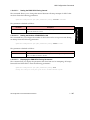
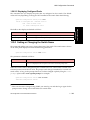
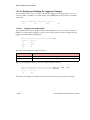
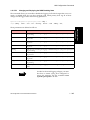
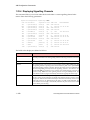
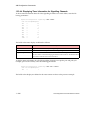
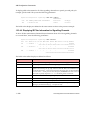
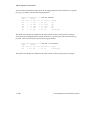
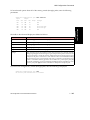
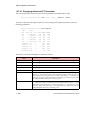
You can also display the auditing state for AMI by entering ami without a ? as follows:
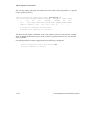
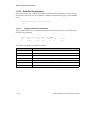
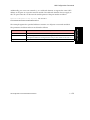
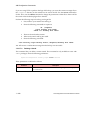
myswitch::configuration system syslog audit> ami
1 - 344
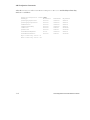
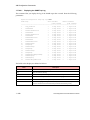
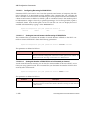
Facility
Priority
ami
debug
AMI Configuration Commands Reference Manual