1
AMI Configuration Commands
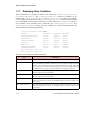
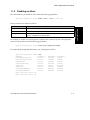
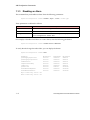
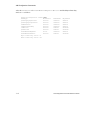
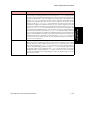
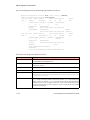
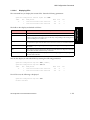
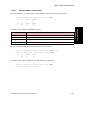
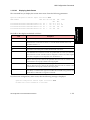
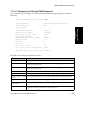
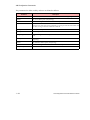
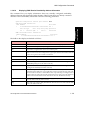
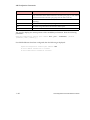
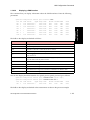
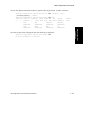
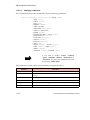
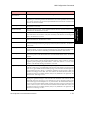
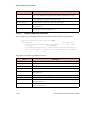
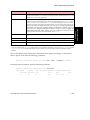
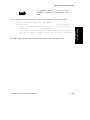
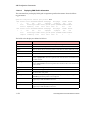
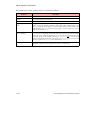
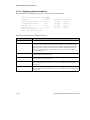
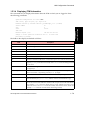
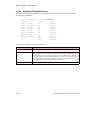
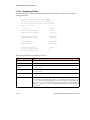
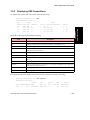
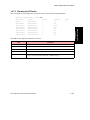
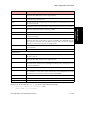
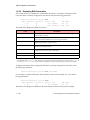
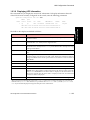
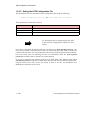
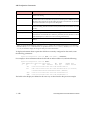
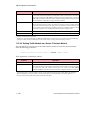
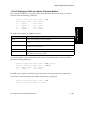
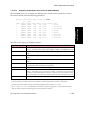
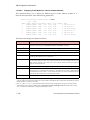
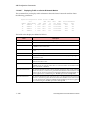
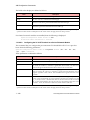
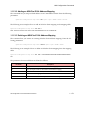
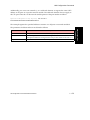
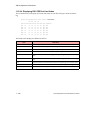
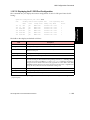
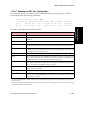
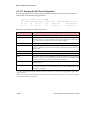
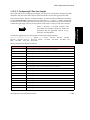
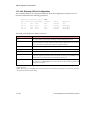
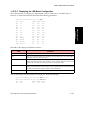
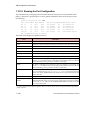
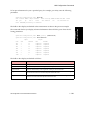
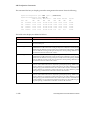
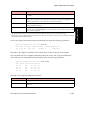
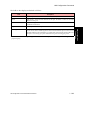
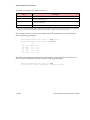
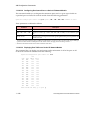
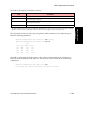
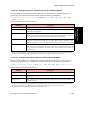
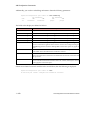
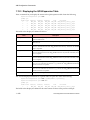
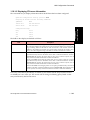
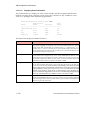
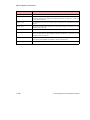
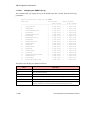
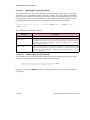
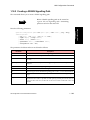
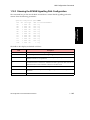
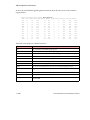
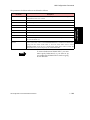
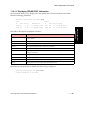
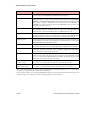
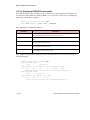
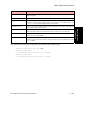
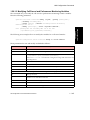
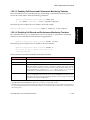
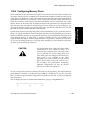
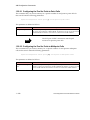
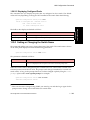
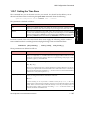
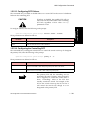
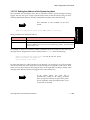
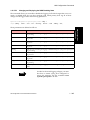
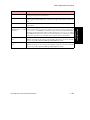
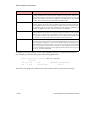
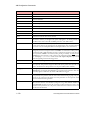
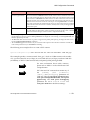
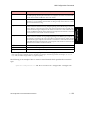
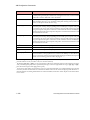
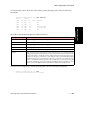
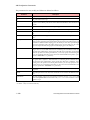
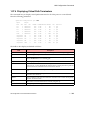
The fields in this display are defined as follows:
Field
Port
The TP25 port number of the network module(s) currently installed in the switch.
Carrier1
yes means a carrier has been detected on this port. no means a carrier has not been
detected on this port.
Media
The kind of physical medium connected to the TP25 interface. UTP means that it is
Unshielded Twisted Pair.
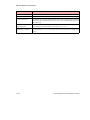
Loopback
The loopback mode on the port. Can be either line or none.
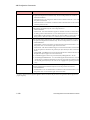
RxTiming
Indicates whether or not the port is receiving an 8kHz timing sync marker. These markers
can be used to derive an 8kHz signal that can be transmitted from all ports on the network
module and back to the switch fabric (on switches that support timing features). No means
the port is not receiving sync pulses. Yes means the port is receiving sync pulses.
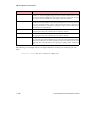
A carrier is detected when a signal is applied to the receive side of the port, but it does not guarantee the signal is the
proper frequency.
AMI Configuration Commands Reference Manual
1 - 233
AMI Configuration
Commands
1.
Description