1
AMI Configuration Commands
1.3.2
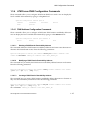
Configuring a Domain
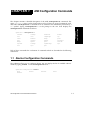
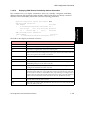
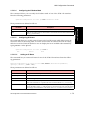
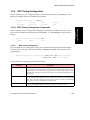
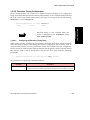
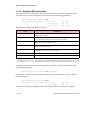
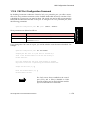
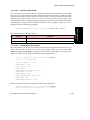
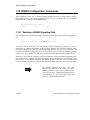
These commands allow you to configure a domain on a switch. An ATM routing domain is a
group of areas that are configured to dynamically exchange reachability information with one
another. This allows connectivity between end systems belonging to different areas. Reachability information is exchanged between domains through static configuration only. A switch
may be part of multiple domains and there may be multiple domains configured on a switch.
(For more information about domains and areas, see the Network Configuration manual for
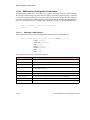
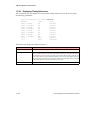
your switch.) You can display the available subcommands by typing ? at the domain level.
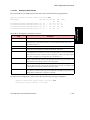
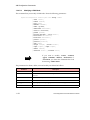
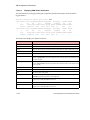
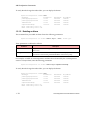
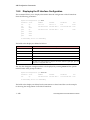
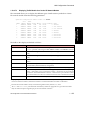
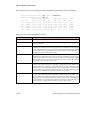
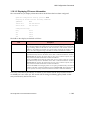
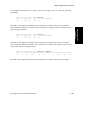
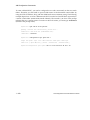
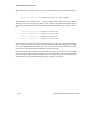
myswitch::configuration atmroute domain> ?
delete
modify
new
show
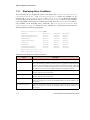
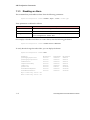
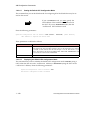
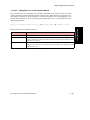
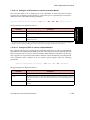
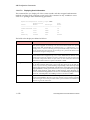
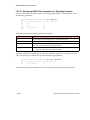
1.3.2.1 Deleting a Domain
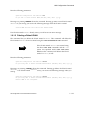
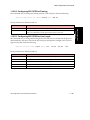
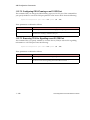
This command allows you to delete an existing domain. Enter the following parameters:
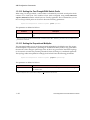
myswitch::configuration atmroute domain> delete <domain ID>
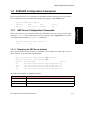
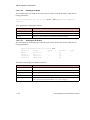
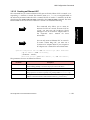
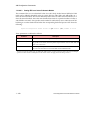
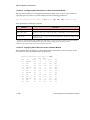
1.3.2.2 Modifying a Domain
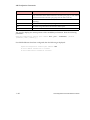
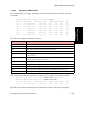
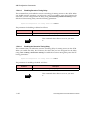
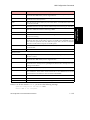
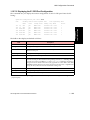
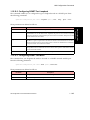
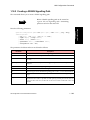
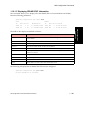
This command allows you to modify an existing domain. Enter the following parameters:
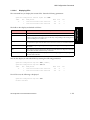
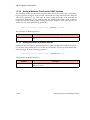
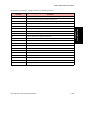
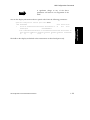
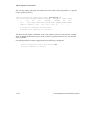
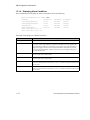
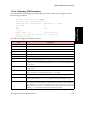
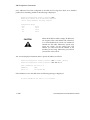
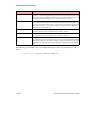
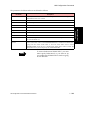
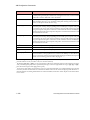
myswitch::configuration atmroute domain> modify <domain ID> [-name <name>]
[<ftpnni | pnni | gateway>][-prefix <prefix>] [-defsum <enable | disable>]
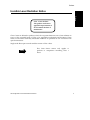
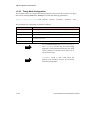
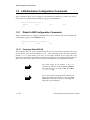
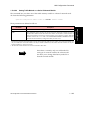
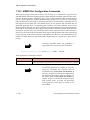
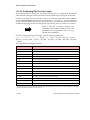
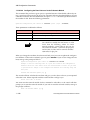
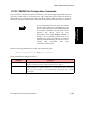
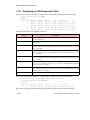
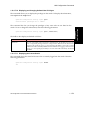
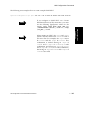
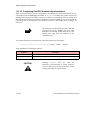
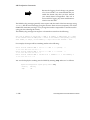
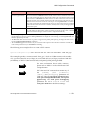
NOTE
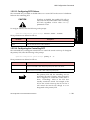
NOTE
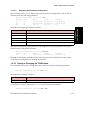
If you modify the domain, the switch prompts
for a reboot. You must type y and reboot the
switch for your change to take effect.
If the existing domain is pnni or gateway, and
the prefix of the domain is changed, you must
first disable the PNNI node using conf atmr
pnni node admin <nodeid> down. This
removes any transient routes related to the node
address with the old prefix.
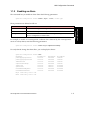
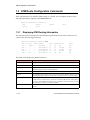
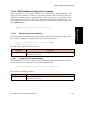
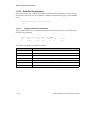
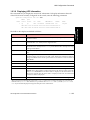
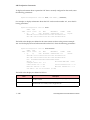
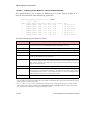
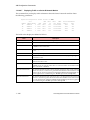
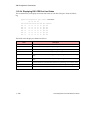
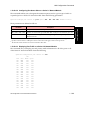
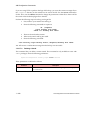
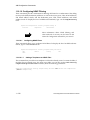
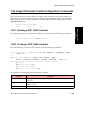
1.3.2.3 Creating a Domain
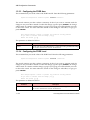
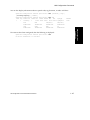
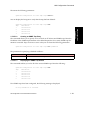
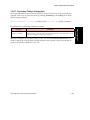
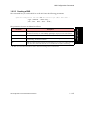
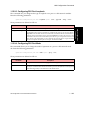
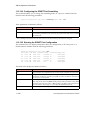
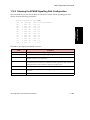
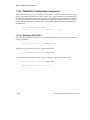
This command allows you to create a new domain. Enter the following parameters:
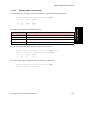
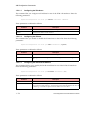
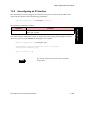
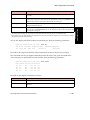
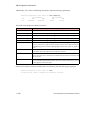
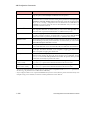
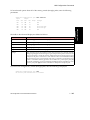
myswitch::configuration atmroute domain> new <domain ID> [-name <name>]
[-prefix <prefix>] [-defsum <enable | disable>]
1 - 18
AMI Configuration Commands Reference Manual