1
AMI Configuration Commands
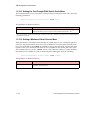
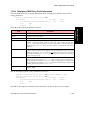
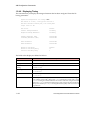
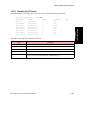
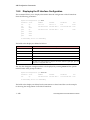
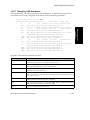
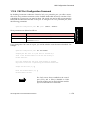
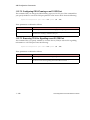
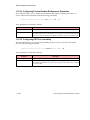
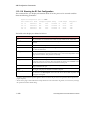
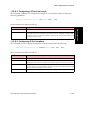
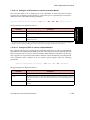
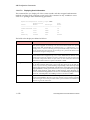
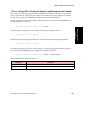
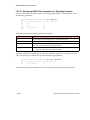
1.16.1.7.10 Displaying and Changing Unlisted User Privileges
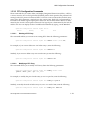
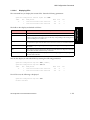
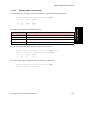
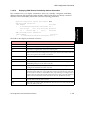
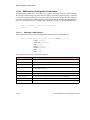
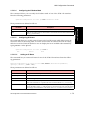
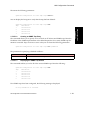
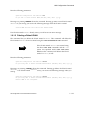
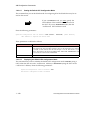
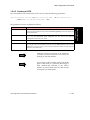
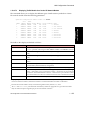
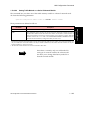
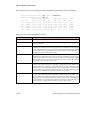
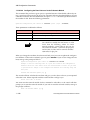
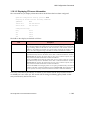
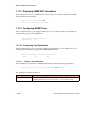
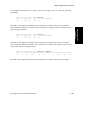
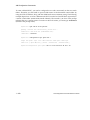
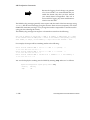
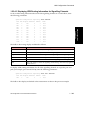
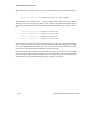
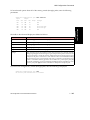
This command allows you to display the privileges on the switch. To display this information,
enter upriv at the login level.
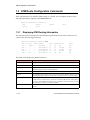
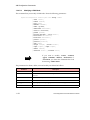
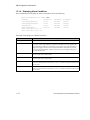
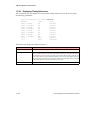
myswitch::configuration security login> upriv
Unlisted users' privileges set to “admin”
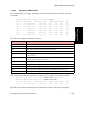
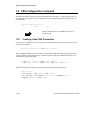
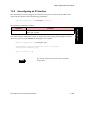
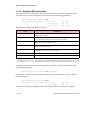
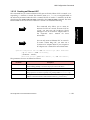
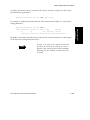
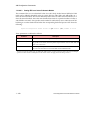
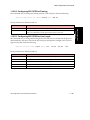
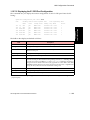
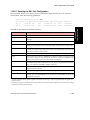
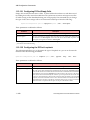
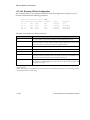
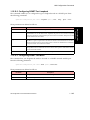
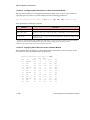
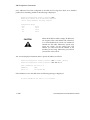
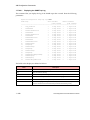
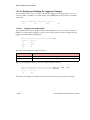
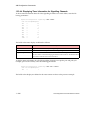
This command also lets you change the privileges of any users who are not listed on the
switch. To set or change this information, enter the following parameters:
AMI Configuration
Commands
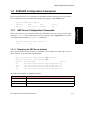
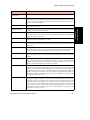
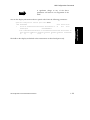
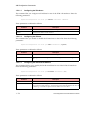
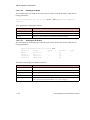
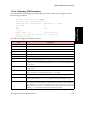
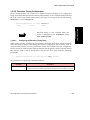
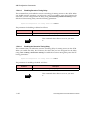
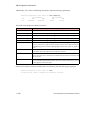
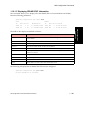
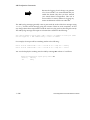
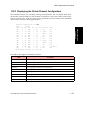
myswitch::configuration security login> upriv [<admin|user>]
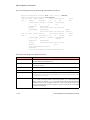
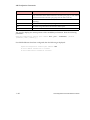
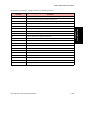
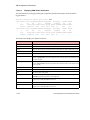
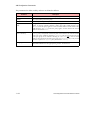
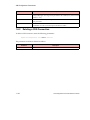
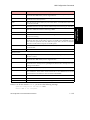
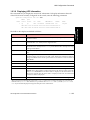
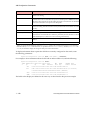
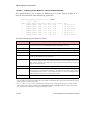
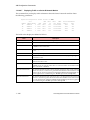
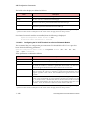
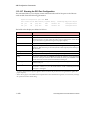
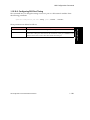
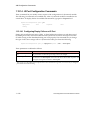
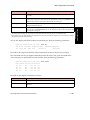
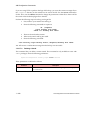
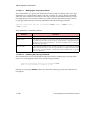
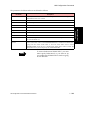
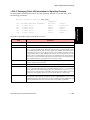
The fields in this display are defined as follows:
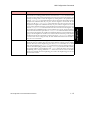
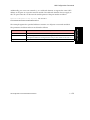
Parameter
admin|user
Description
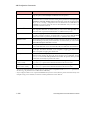
If a user is not listed on the switch, but is authenticated by the SecurID server, then the
user is assigned the privilege level that is configured here. user means all unlisted users
logging to this switch are given user level privileges (the ability to access only a certain
subset of the AMI commands). admin means all unlisted users logging to this switch are
given admin level privileges (the ability to access all of the AMI commands). The default
is admin.
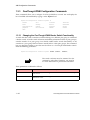
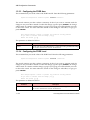
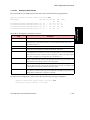
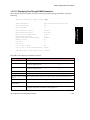
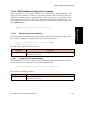
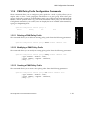
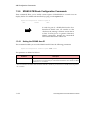
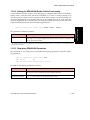
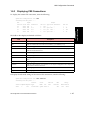
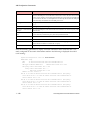
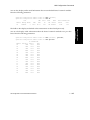
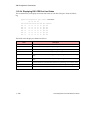
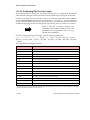
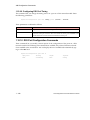
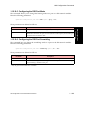
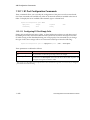
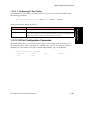
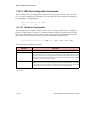
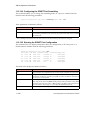
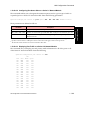
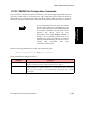
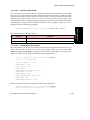
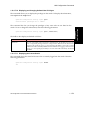
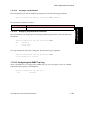
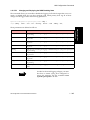
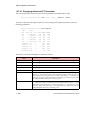
1.16.1.7.11 Displaying the Current Userid
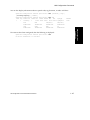
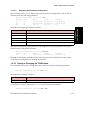
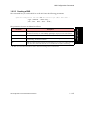
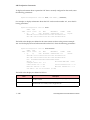
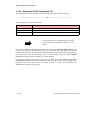
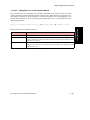
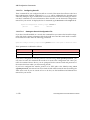
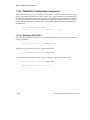
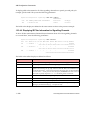
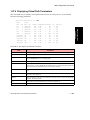
This command shows the userid of the user who is currently logged into the switch. Enter the
following parameters:
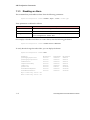
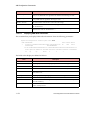
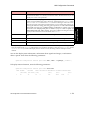
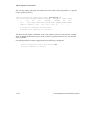
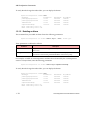
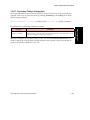
myswitch::configuration security login> whoami
ami
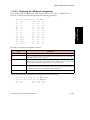
AMI Configuration Commands Reference Manual
1 - 273