1
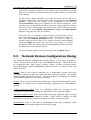
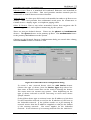
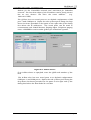
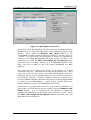
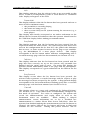
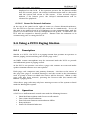
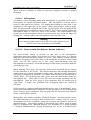
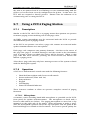
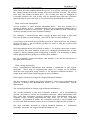
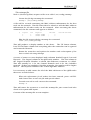
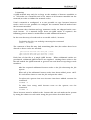
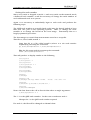
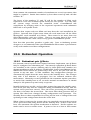
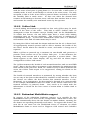
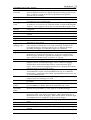
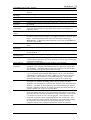
ControlMatrix User’s Guide - Using Devices 9.4.2.3 Selection Buttons In the centre of the panel is a group of four Selection buttons. Each button represents a page code selection. To choose a page code, press the button for that code. An indicator in the top right corner of the button will illuminate to confirm the selection. Page codes are assigned to particular buttons on each PCU1 in ControlMatrix Console (see Section 6.2.1). Operation of the selection buttons is mutually exclusive (only one can be selected at a time). 9.4.2.4 Power-No Network Indicator At the top of the panel to the right of centre is a Power/Network indicator. For the PCU1 to operate correctly this must be lit continuously. If it is off the unit is not powered and if it is flashing it is not communicating with the Q-Host, or has not been correctly configured in the Q-host. In this state, the PCU will not respond to button presses. Ensure that the indicator is lit continuously prior to using the PCU1. 9.5 Using a PCU2 Paging Station 9.5.1 Description The PCU2 is a paging station that permits an operator to initiate paging events involving one of 999 page codes. At the PCU2, an operator can select a page code, initiate an event and make spoken announcements via a microphone. Each page code comprises two primary elements – the first is the source of the page (live page or recorded message*) and the second is the destination zone or group of zones to which the source will be directed. When a valid page code has been selected, pressing the Press-to-talk (Ptt) button will initiate a paging event. *Note that a page code may only have message sources if the system is fitted with the MessageNet option. 9.5.2 Operation A PCU2 is a desktop control unit with the following features: • • • • • Microphone Press-to-talk button and two-colour Status indicator Keypad LCD Display Power-No Network Indicator Creative Audio, V3.01, July 2003 Page 138