1
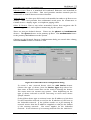
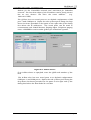
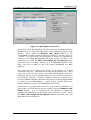
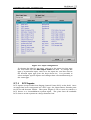
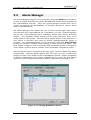
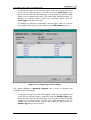
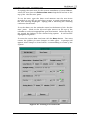
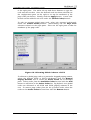
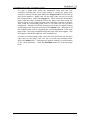
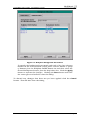
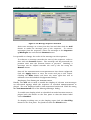
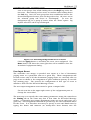
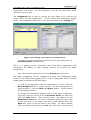
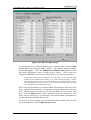
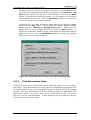
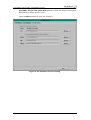
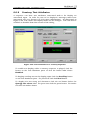
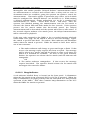
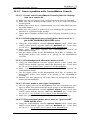
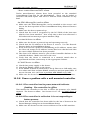
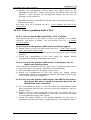
ControlMatrix User’s Guide - ControlMatrix Setup The Alarm Manager’s MediaMatrix Alarms tab is used to display and configure MediaMatrix alarms. To enable a MediaMatrix alarm select the appropriate item in the list of MediaMatrix alarms, then from the Alarm State drop down list box select the “Active” option. It is possible to select multiple alarms and to change them all to the same state simultaneously. To disable an alarm or group of alarms select the appropriate items in the alarms list and then choose the “Unused” option from the Alarm State drop down list box. To change the label for a particular MediaMatrix alarm select it from the list of alarms then type the new label into the Edit Label text box. Figure 5-18: Configuring external inputs The Alarm Manager’s External Inputs tab is used to display and configure external inputs. Creative Audio, V3.01, July 2003 Page 60