1
Operator Prompt (P_Prompt)
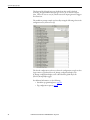
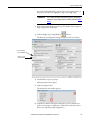
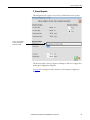
The Prompt Configuration dialog box appears.
IMPORTANT
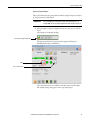
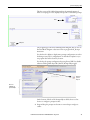
See pages 37 through 39 for examples of the Display Values, Input Values, and
Selection Options on the Prompt Configuration faceplate.
7. Complete the Prompt Configuration dialog box.
Function
Action
Security
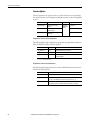
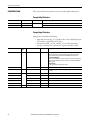
Configuration Parameters
Manual Prompt Label
Type a label for the prompt.
IMPORTANT: Be sure to press
Enter or Page Down after typing
in a text box to save your work.
Engineering
Configuration
(Code E)
Cfg_Label
Prompt Message Text
Type a text message that
explains to the operator the
purpose of this prompt.
Cfg_Message
Do not show the
“Operator Attention”
symbol on the Prompt
button (applies to
standalone prompts
only)
Check the
checkbox to not
show the
operator
attention symbol (exclamation
point) on the prompt button.
Cfg_AlertDefeat
TIP
24
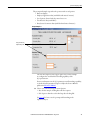
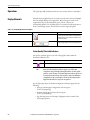
For instructional purposes, the dialog box is divided into separate
sections to explain Display Values, Input Values, Selection Options, and
Response Prompts in the text that follows.
Rockwell Automation Publication SYSLIB-RM046B-EN-P - August 2014