1
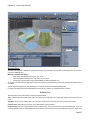
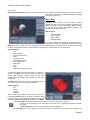
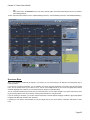
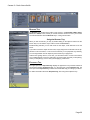
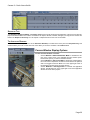
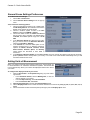
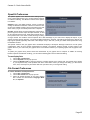
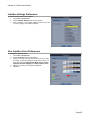
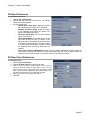
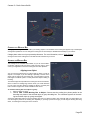
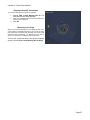
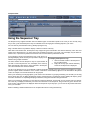
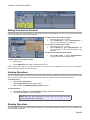
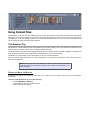
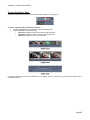
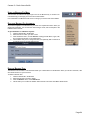
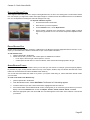
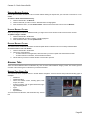
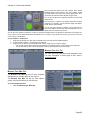
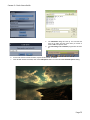
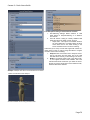
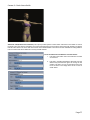
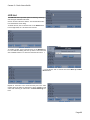
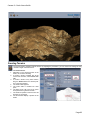
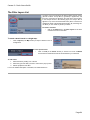
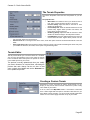
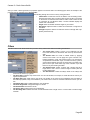
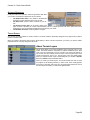
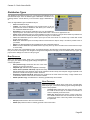
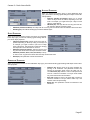
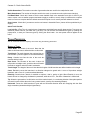
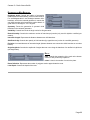
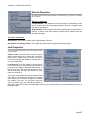
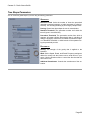
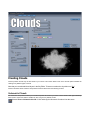
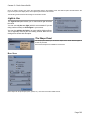
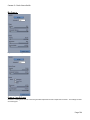
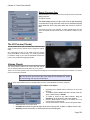
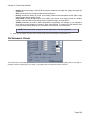
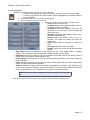
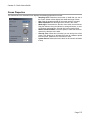
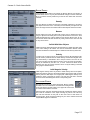
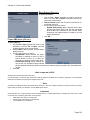
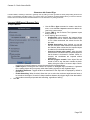
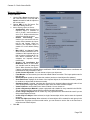
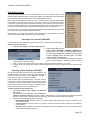
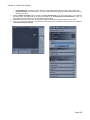
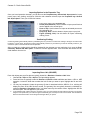
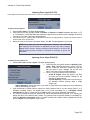
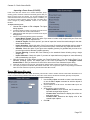
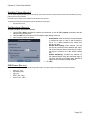
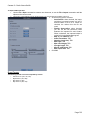
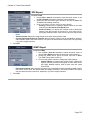
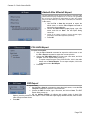
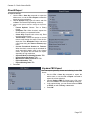
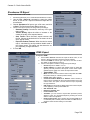
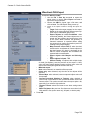
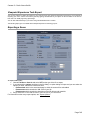
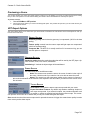
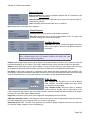
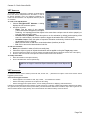
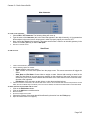
Carrara 8 – Basic Users Guide Once you insert a cloud in your scene, the cloud editor opens in the modeling room. The editor is split in several sections: the Light to Use panel, the Shape panel, the Properties panel and the 3D Preview. The following sections discuss the settings for Volumetric Clouds. Light to Use The Light to Use panel allows you to control which light will affect the cloud. You can use only the sun light (which is recommended if you are doing outdoor scenes) or all the lights in your scenes. You can also add the sky light to get more realistic lighting effects. This is especially useful if you are creating sunsets. Note the ren dering will be slower with this option. The Shape Panel The shape panel allows you to edit the shape of the cloud. Several types of clouds are provided. Several cloud shapes are available to choose from. BASIC SHAPE Basic Shape fills simple shapes (cube, sphere, etc.). This does not create realistic clouds. Page 103