1
Carrara 8 – Basic Users Guide
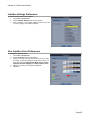
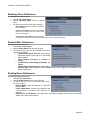
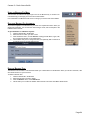
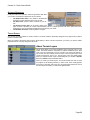
Interface Settings Preferences
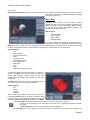
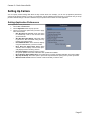
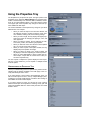
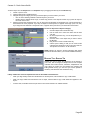
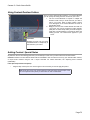
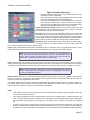
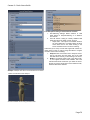
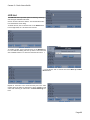
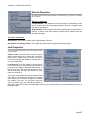
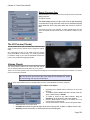
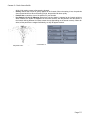
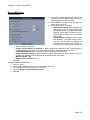
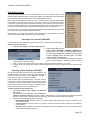
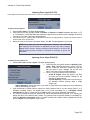
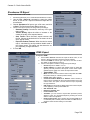
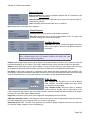
To choose the font used in the interface:
1. Choose File > Preferences.
2. Choose Interface Settings from the pop-up menu.
3. A list of all fonts in your system appears. Select the font that
you want to apply to your interface settings.
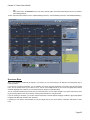
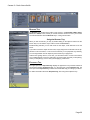
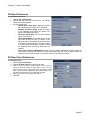
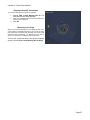
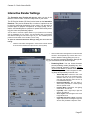
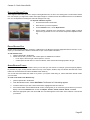
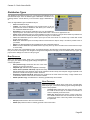
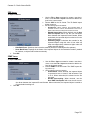
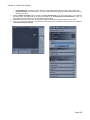
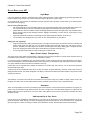
User Interface Color Preferences
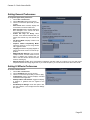
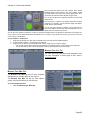
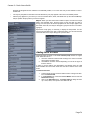
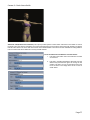
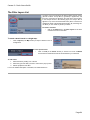
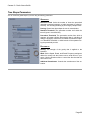
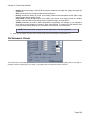
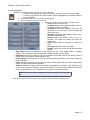
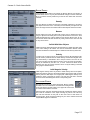
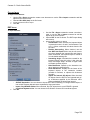
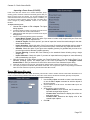
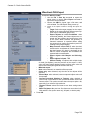
To set interface element colors:
1. Choose File > Preferences.
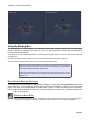
2. Choose UI Colors from the pop-up menu.
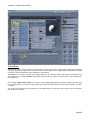
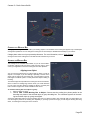
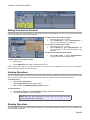
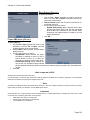
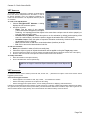
3. Click the color chip near the element whose color you want
to change, or select the triangle to quickly select a color. The
color chips control the Background, Major Accent, Control,
Highlight, Alternate Highlight, and Drag and Drop colors.
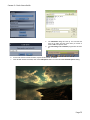
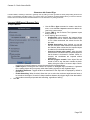
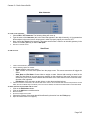
4. Select a color from the color picker that appears.
5. Click OK.
Page 36