1
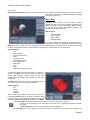
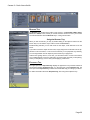
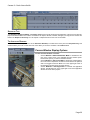
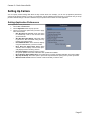
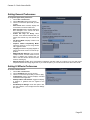
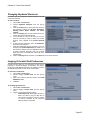
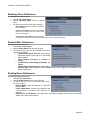
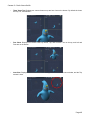
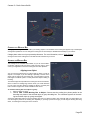
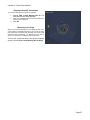
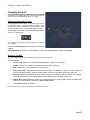
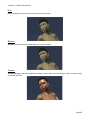
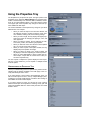
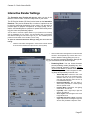
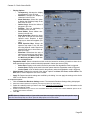
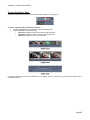
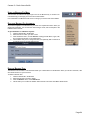
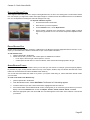
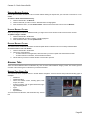
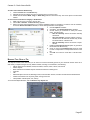
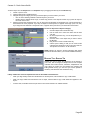
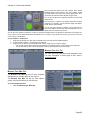
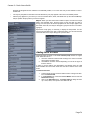
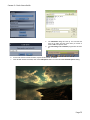
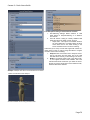
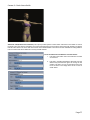
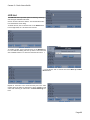
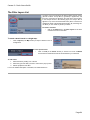
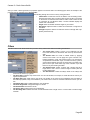
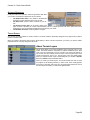
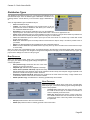
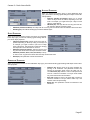
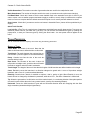
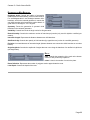
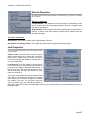
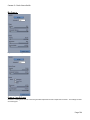
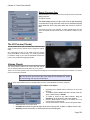
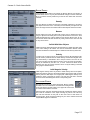
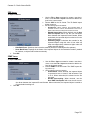
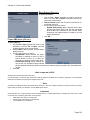
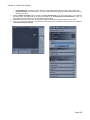
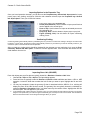
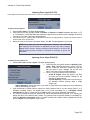
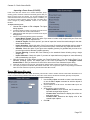
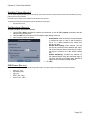
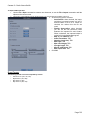
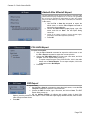
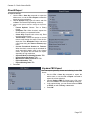
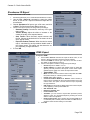
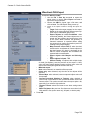
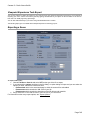
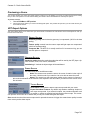
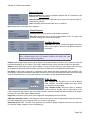
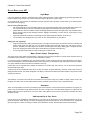
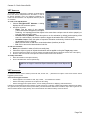
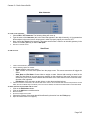
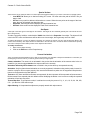
Carrara 8 – Basic Users Guide LOD List The LOD List section provides options for deleting, renaming, and sorting the available LOD levels. Click on an item in the list to select it. This will activate the but tons at the bottom of the dialog. To delete an item, click on the item then on the Delete button. In the image below, the 1.5K mesh was removed. To rename an item, click on the item then on the Rename but ton. The LOD name dialog will come up. Enter a new name and click on OK to rename or on Cancel to leave the name as is. -> ← To sort the list, click on an item then on the Move Up or Move Down buttons. Repeat for each item to be moved until they are in the order needed. Once the items are sorted, they will be available in that order when selecting an LOD level in the Auto-Switching sec tions. Page 80