1
Chapter 3
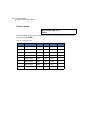
Programming details
Installer menu option 31, Battery Testing
Use this option to program automatic battery testing or to perform manual battery testing.
A battery disconnect check is also automatically performed, and a warning is given if a
battery is disconnected for more than 10 minutes.
During the battery test, the control panel, DGPs, and all auxiliary driven devices, are
powered from the battery. Devices are tested one at a time, ensuring that all devices do not
switch to battery test at the same time.
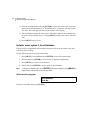
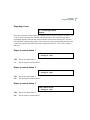
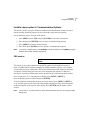
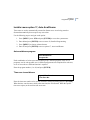
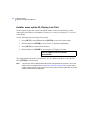
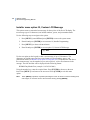
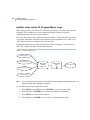
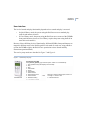
Use the following steps to navigate to the option:
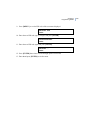
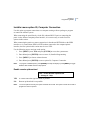
1. Press [MENU*] enter 1278 and press [ENTER] to access the system menu.
2. Enter 19 and press [ENTER] to access menu 19, Installer Programming.
3. Press [MENU*] to choose advanced menu.
4. Enter 31 and press [ENTER] to access option 31, Battery Testing.
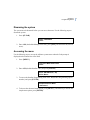
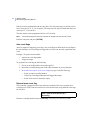
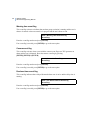
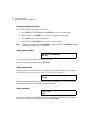
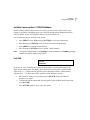
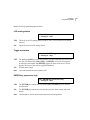
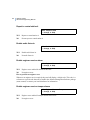
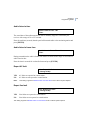
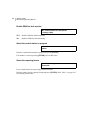
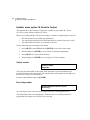
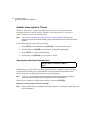
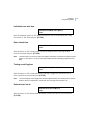
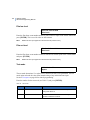
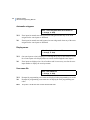
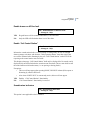
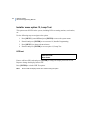
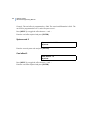
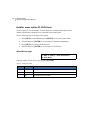
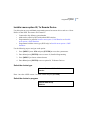
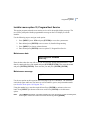
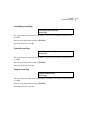
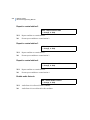
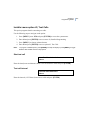
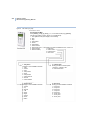
Select battery test program
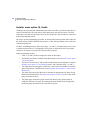
Battery Testing: 1-Program, 2-Test
Option:
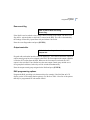
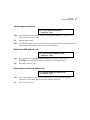
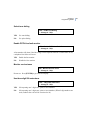
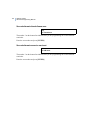
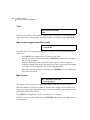
Enter 1 to program the battery test options, or enter 2 to perform a manual battery test and
press [ENTER].
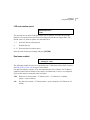
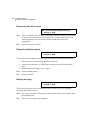
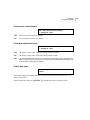
If you enter 1 “Program”, you will see the next display, Select Battery Test Program, below.
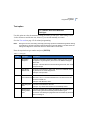
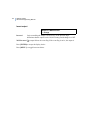
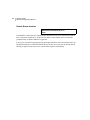
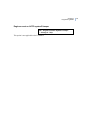
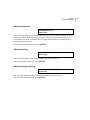
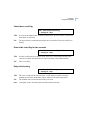
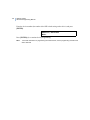
If you enter 2 “Test”, you will see the Manual Battery Test display on the following page.
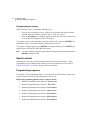
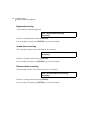
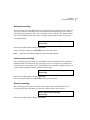
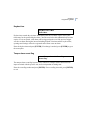
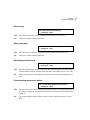
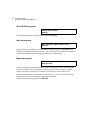
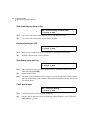
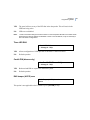
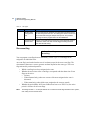
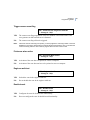
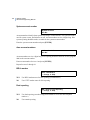
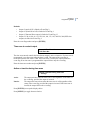
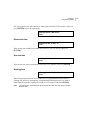
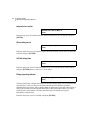
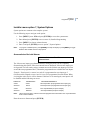
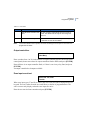
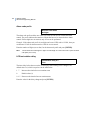
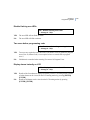
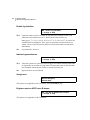
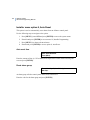
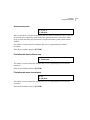
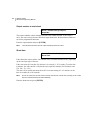
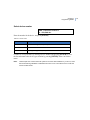
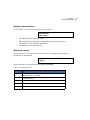
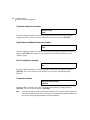
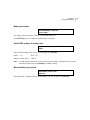
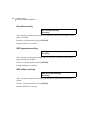
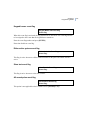
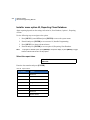
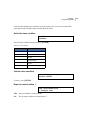
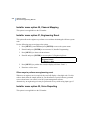
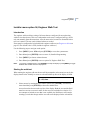
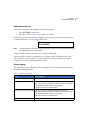
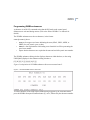
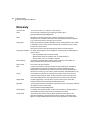
Battery test frequency
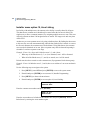
Batt Test Frequency – Every Monday
* - Change, 0 - Skip
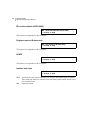
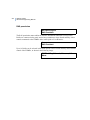
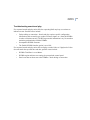
If you entered 1 “Program” in “Select Battery Test Program”, this will be the display shown.
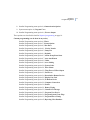
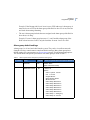
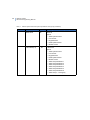
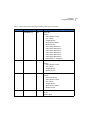
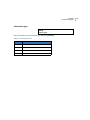
To specify how often the automatic battery test should be performed, press [MENU*] to
scroll through the options below until the display shows the correct option, then press
[ENTER].
187