1
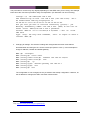
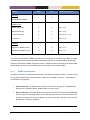
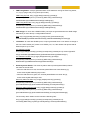
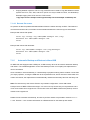
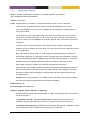
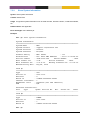
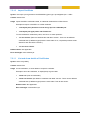
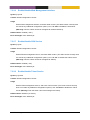
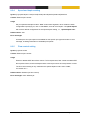
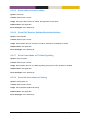
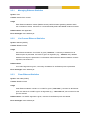
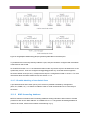
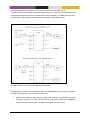
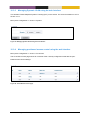
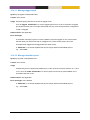
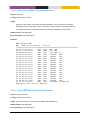
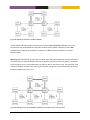
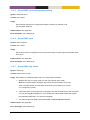
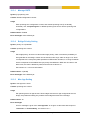
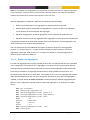
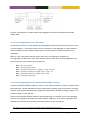
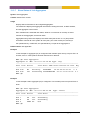
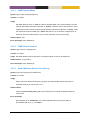
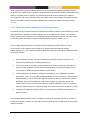
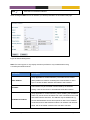
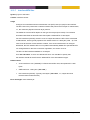
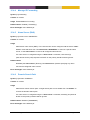
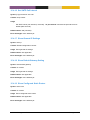
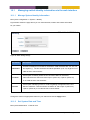
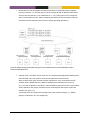
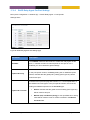
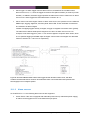
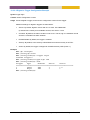
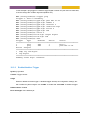
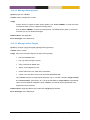
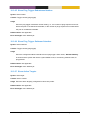
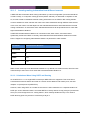
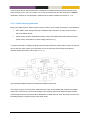
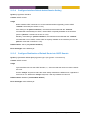
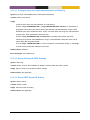
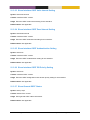
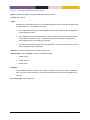
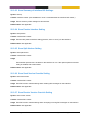
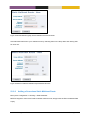
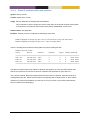
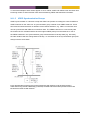
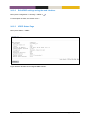
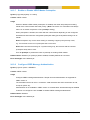
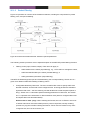
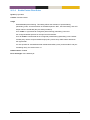
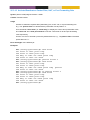
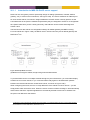
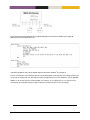
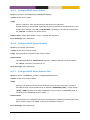
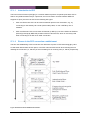
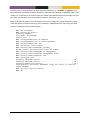
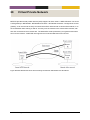
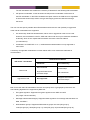
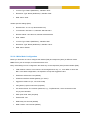
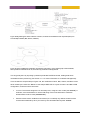
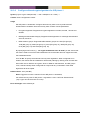
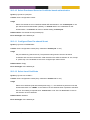
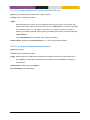
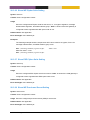
Below is an example where an ABR will filter out routes in 192.168.16.0/20 when distributing routes
from area 0.0.0.2. Similarly, all routes inside area 0.0.0.2 matching 172.16.0.0/16 will be summarised
to single route, when distributing routes from area 0.0.0.2.
21.1.1.7 Passive Interfaces
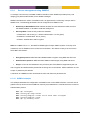
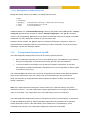
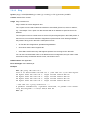
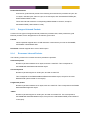
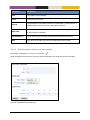
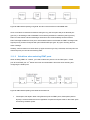
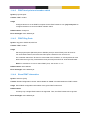
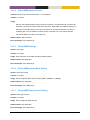
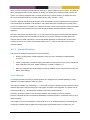
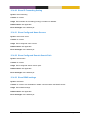
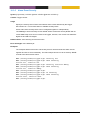
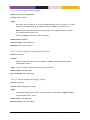
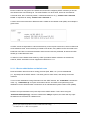
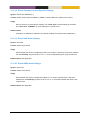
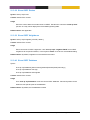
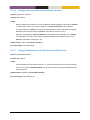
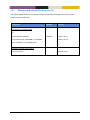
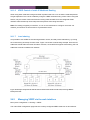
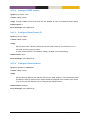
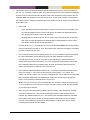
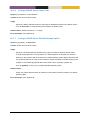
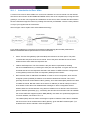
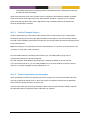
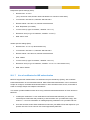
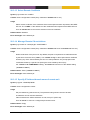
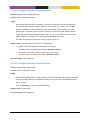
In some situations you may wish to include a router’s subnets as part of the OSPF routing domain
without running OSPF on the associated network interface. To accomplish this the network should be
defined in the router ospf context (as usual), and the related interface should be declared as passive in
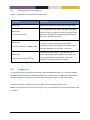
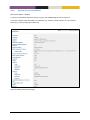
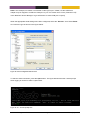
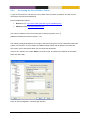
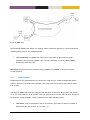
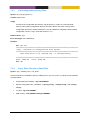
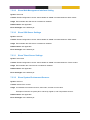
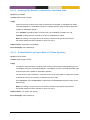
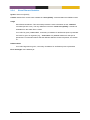
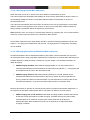
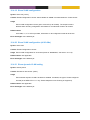
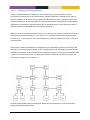
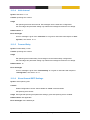
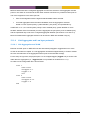
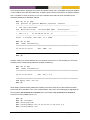
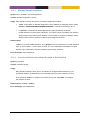
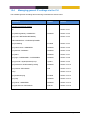
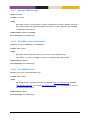
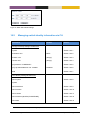
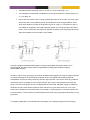
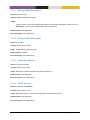
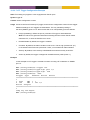
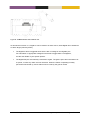
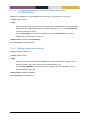
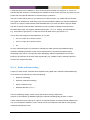
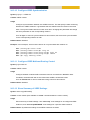
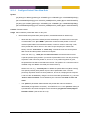
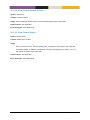
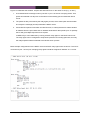
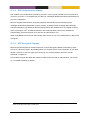
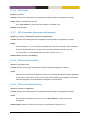
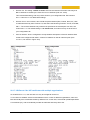
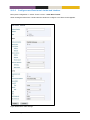
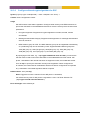
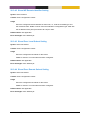
the interface ospf context. Below is an example where network 192.168.33.0/24 should be included in
the OSPF domain, but where the associated interface (vlan100) is declared as passive.
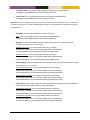
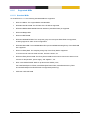
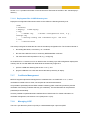
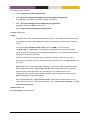
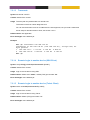
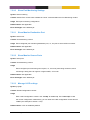
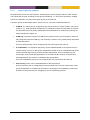
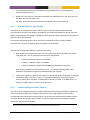
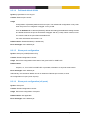
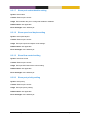
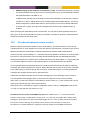
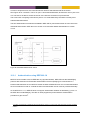
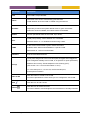
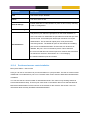
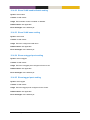
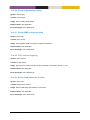
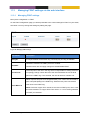
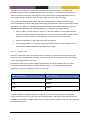
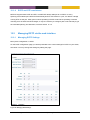
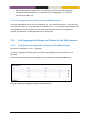
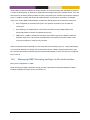
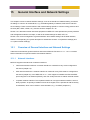
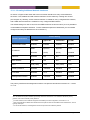
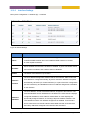
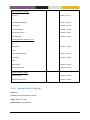
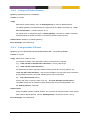
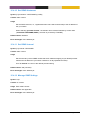
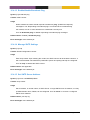
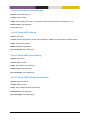
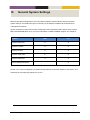
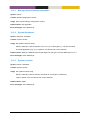
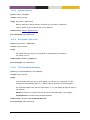
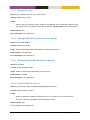
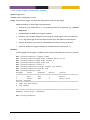
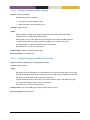
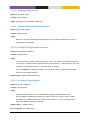
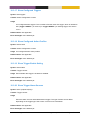
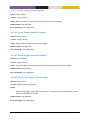
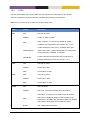
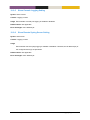
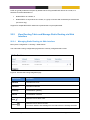
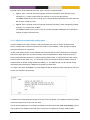
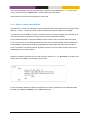
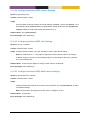
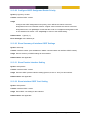
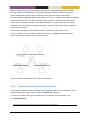
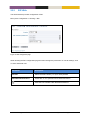
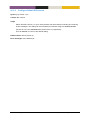
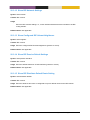
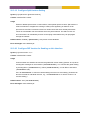
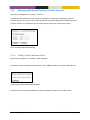
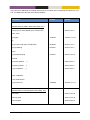
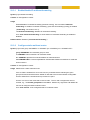
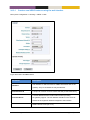
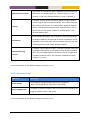
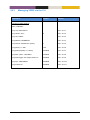
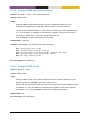
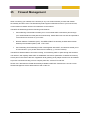
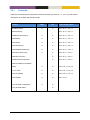
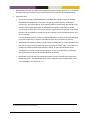
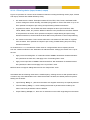
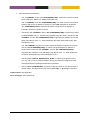
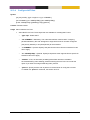
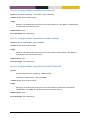
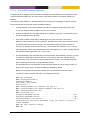
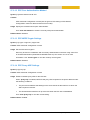
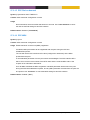
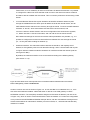
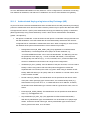
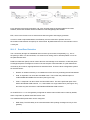
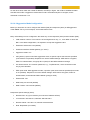
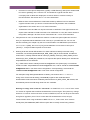
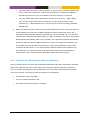
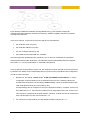
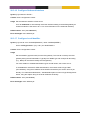
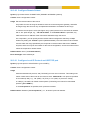
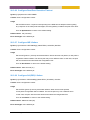
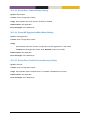
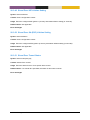
By default, OSPF will run on all interfaces which have an associated network declared as an OSPF
network. If OSPF should not run on such an interface, that interface should be declared as passive,
as described above. However, MES-OS is able to support use cases where the interfaces should be
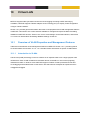
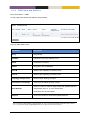
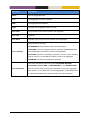
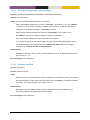
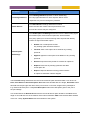
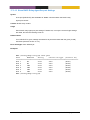
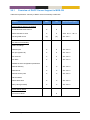
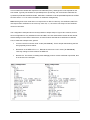
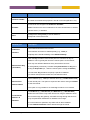
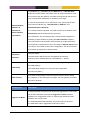
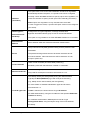
passive by default. The parameters controlling the behaviour are the ”passive-interface” setting in
router ospf context, and the ”passive” setting in the interface ospf context.
MES-OS Management Guide
Dynamic Routing with OSPF • 358