1
22.1.3
Authentication
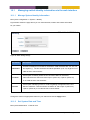
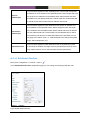
To avoid that false routing information is injected into your network (deliberately or by mistake) it is
possible to authenticate RIPv2 messages. Two authentication alternatives are available:
•
Plain: Plain text authentication will protect against the situation when careless users attach
a RIP router to your network by mistake. However, since the password is sent in plain text
inside the RIP messages, it does not prohibit a deliberate attacker to inject routing information
into your network. Plain text secrets are text strings of 4-16 characters.
•
MD5: With MD5 authentication each RIP message will include a cryptographic checksum,
i.e., message authentication code (MAC), based on a secret only known by the system
administrator. MD5 secrets are text strings of 4-32 characters.
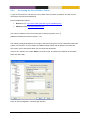
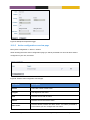
Authentication of RIP messages is configured per network interface, and is disabled by default.
Use of MD5 authentication is recommended. When using MD5 authentication, an associated key
identifier must be specified. The purpose of the key identifier is to enable use of multiple MD5 keys in
parallel when performing key roll-over. However, as of MES-OS version v4.11.1 only a single RIP
secret per interface is supported.
22.1.4
Passive interface
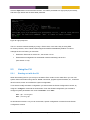
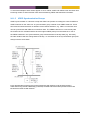
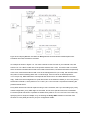
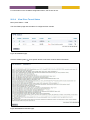
In some situations you may wish to include a router’s subnets as part of the RIP routing domain
without running RIP on the associated network interface. To accomplish this the network should be
defined in the router rip context (as usual), and the related interface should be declared as passive in
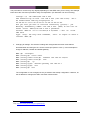
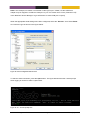
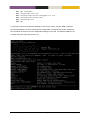
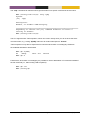
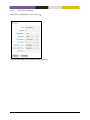
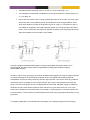
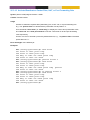
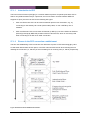
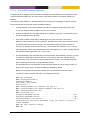
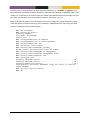
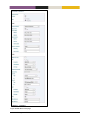
the interface rip context. Below is an example where network 10.0.3.0/24 should be included in the
RIP domain, but where the associated interface (vlan3) is declared as passive.
MES-OS Management Guide
Dynamic Routing with RIP • 384