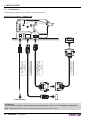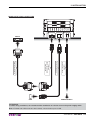
1
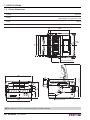
3. INSTALLATION
6
4
3
1
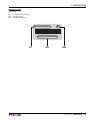
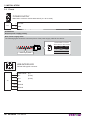
J1
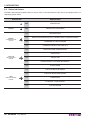
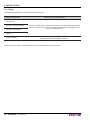
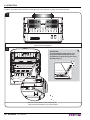
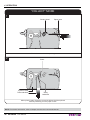
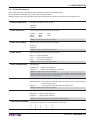
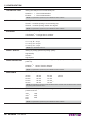
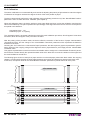
SERIAL INTERFACE
Female MICROFIT-6PIN connector (cable insertion side)
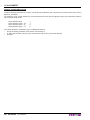
1 DTR
(out)
Data terminal ready
2 RX
(in)
Data reception signal
4 TX
(out)
Data transmission signal
5 RTS
(out)
Request to send
3 GND
6 n.c.
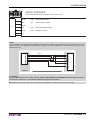
NOTE:
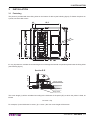
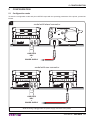
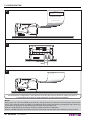
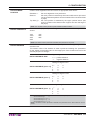
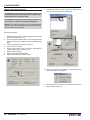
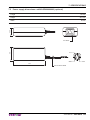
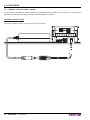
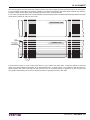
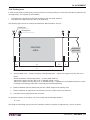
Use the adapter cable MICROFIT-6PIN/DB9 (supplied) and a RS232 serial cable to connect the printer to a personal computer. The diagram below illustrate a sample connection between the printer and a PC using a 9-pin
female connector.
DTR
RX
GND
TX
RTS
DEVICE
PC
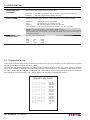
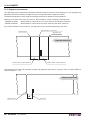
ATTENTION:
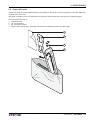
It is recommended to secure with a tie the adapter cable MICROFIT-6PIN/DB9 to a fixed support in order to
prevent the connector on control board bears the weight of the cables.
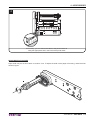
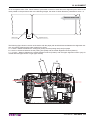
Note: When use a serial cable, we recommend the installation of a ferrite core on the serial cable.
User Manual
VKP80III 21