1
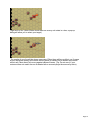
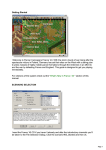
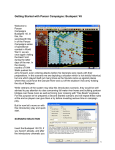
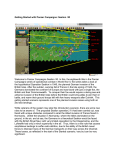
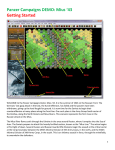
In this scenario your side moves first. Click on the hex indicated. The Unit Boxes of any
units in the hex will be displayed in the Hex Info Area.
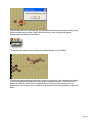
Let’s move the German armored car unit represented at the top of the list. To do so click
its Unit Box so that it lights up.
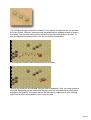
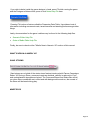
To move the unit one hex, right click any adjacent location. If able, the unit will move. The
Status Bar will tell you why if not.
Page 5