1
7 ACTIVATE PROCESS CONTROL INTERFACES
7.6 Activating GCI interface on the WDM
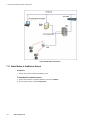
The Gateway General Client Interface (GCI) is an external interface that is used with GCI-based client
applications residing external to the WDM. GCI is a protocol that is used with client applications that
communicate with the wireless field devices using ISA100 Wireless standard.
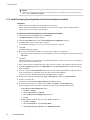
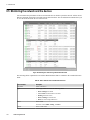
To activate GCI interface on the WDM
1
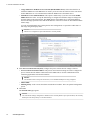
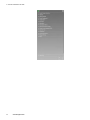
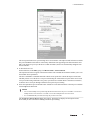
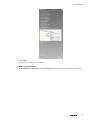
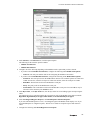
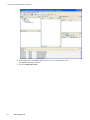
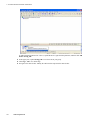
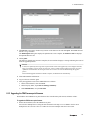
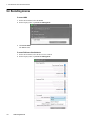
On the Selection Panel, expand the WDM icon and select GCI.
2
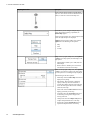
On the Property Panel, expand Configuration panel.
3
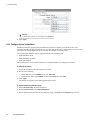
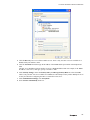
In the Interface list, click TCP Interface.
4
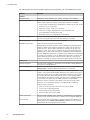
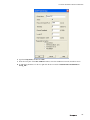
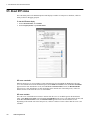
Under Ethernet/TCP Interface Options, in the TCP Port field, specify the default port number 4901.
5
Click Apply.
6
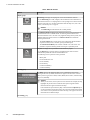
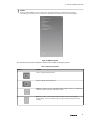
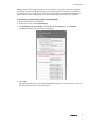
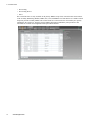
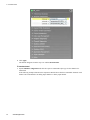
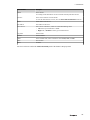
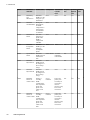
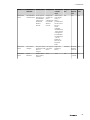
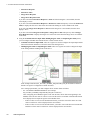
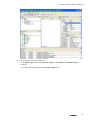
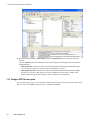
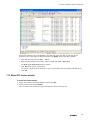
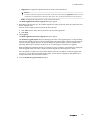
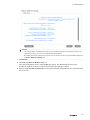
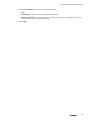
Expand Statistics to monitor performance of GCI interface.
7
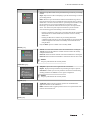
Verify the following attributes to monitor the performance of the GCI interface.
8
•
Message Rate: Number of messages processed by the interface, per second.
•
Message Rate Max: Maximum number of messages processed by the interface, per second.
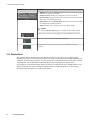
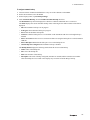
Click Reset Statistics to reset all the GCI interface statistics.
159