Download Wireless Device Manager User`s Guide

Transcript
8 ADMINISTRATION
8.1 Administering users
Related topics
“About users and user roles” on page 164
“Create user accounts” on page 165
“Edit user account” on page 166
“Delete user account” on page 166
“Change password” on page 167
“Reset password” on page 167
“Change user role” on page 167
“Manage user roles” on page 168
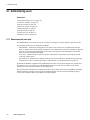
8.1.1 About users and user roles
The WDM enables you to define user-specific settings by creating user accounts with the required user roles.
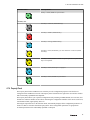
The following are the user roles defined by the WDM.
•
•
•
Administrator – Authorized to manage the user accounts. Users with user role as administrator can add,
delete, or modify user accounts, change existing user’s role, change password for the existing users, upgrade
firmware, and provision the infrastructure nodes. Only a user logged on with Administrator role has the
ability to provision and upgrade a WDM.
View Only – Authorized only to read/view the device parameters and export the system logs, alarm and
event logs, and the reports.
Instrument Tech – Authorized to configure operating mode for the field device channels and provision only
the field devices. This role also has privileges to enable/disable write protection for the field devices.
By default, the WDM is configured with an administrator account. You can create multiple user accounts and
assign the user role, as required. Users with Administrator role can create new users, delete users, change
existing user’s role, and reset password for the existing users.
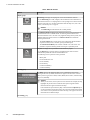
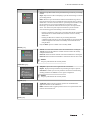
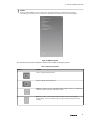
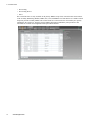
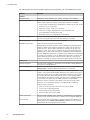
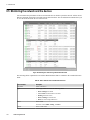
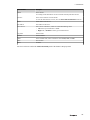
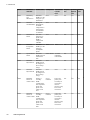
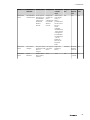
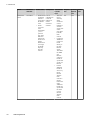
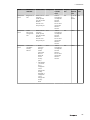
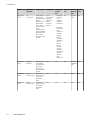
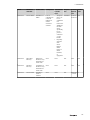
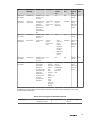
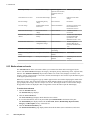
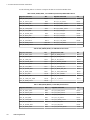
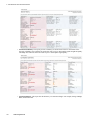
The following table summarizes the default role-based access privileges enforced by the WDM for performing
different operations. Note that a user logged on with Administrator role can override the default privileges,
except for the operations that are grayed out in the following table.
164
www.honeywell.com