1
7 ACTIVATE PROCESS CONTROL INTERFACES
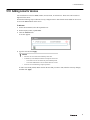
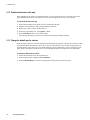
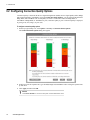
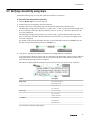
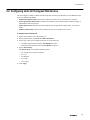
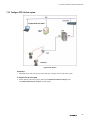
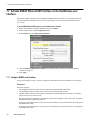
7.4.2 Configure OPC UA client system
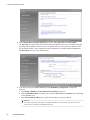
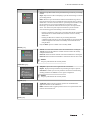
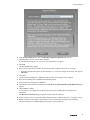
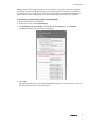
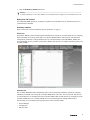
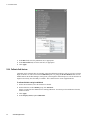
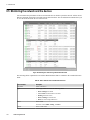
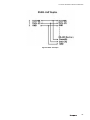
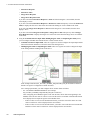
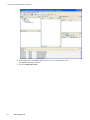
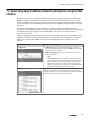
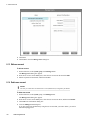
Figure 23: OPC Interface
Prerequisites
•
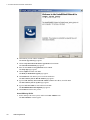
Install Microsoft .NET Framework 3.5 SP1 and OPC UAExpert Client in the client system.
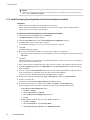
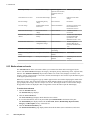
To configure OPC UA client system
1
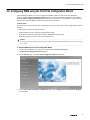
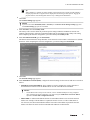
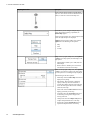
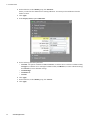
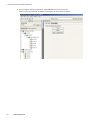
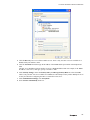
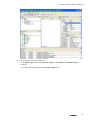
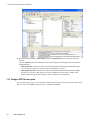
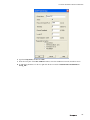
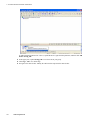
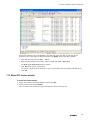
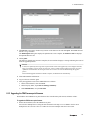
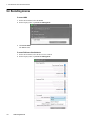
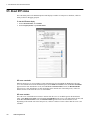
On the desktop of the client system, double-click Unified Automation UAExpert icon.
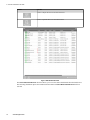
The Unified Automation UAExpert window appears.
143