1
_____________________________________________________________
SpamCombat Settings
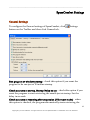
General Settings
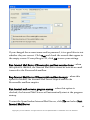
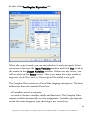
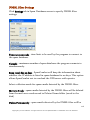
To configure the General settings of SpamCombat, click
button on the Toolbar and then click General tab.
Settings
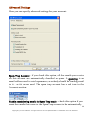
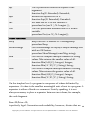
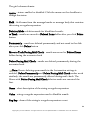
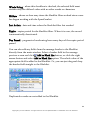
Run program at windows startup - check this option if you want the
program to be run just at Windows startup.
Check accounts at startup. Startup Delay xx sec - check this option if you
want the program to start retrieving the emails just at startup. Set the
delay in seconds.
Check accounts at resuming after suspension (Hibernate mode) - when
this option is checked, the program automatically starts retrieving the
37
Copyright © G-Lock Software. All rights reserved. G-Lock SpamCombat is a trademark of G-Lock Software.