1
Managing Deleted Emails
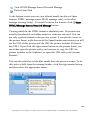
Attention! The messages you delete from the server are moved to Deleted
Items folder only if they have the deletion mode Move to Trash in the
SpamCombat main screen.
The Deleted Items folder is stored in the SpamCombat directory:
...\G-Lock SpamCombat\Profiles\Default\Deleted\
For your convenience you can choose a different location to store deleted
messages. See Automation Settings.
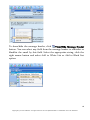
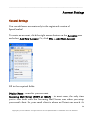
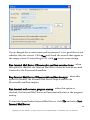
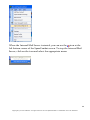
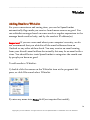
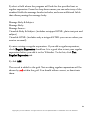
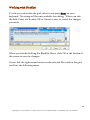
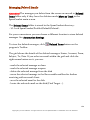
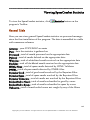
To view the deleted messages, click
program's Toolbar.
Deleted Items button on the
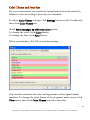
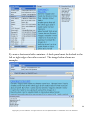
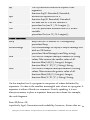
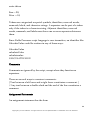
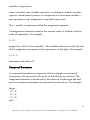
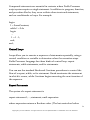
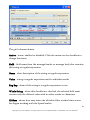
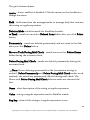
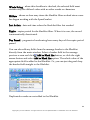
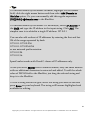
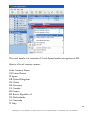
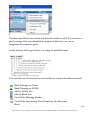
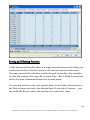
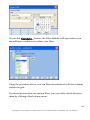
The grid shows the details of the deleted messages: Status, Account, From,
Subject, To, Date. If you select an email within the grid and click the
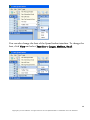
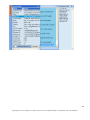
right mouse button on it, you can:
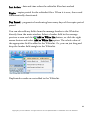
- mark the selected message as clean
- mark the selected message as spam
- delete the selected message from the disk
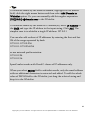
- move the selected message to the Recoverable mailbox for further
receiving with an email client.
- save the selected email to the disk
- locate the selected email on the disk (Find Target...).
124
Copyright © G-Lock Software. All rights reserved. G-Lock SpamCombat is a trademark of G-Lock Software.