1
NextOffice
Chapter 11 NextOffice Extensions
3.
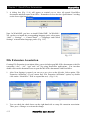
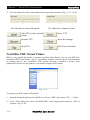
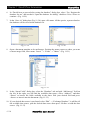
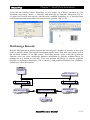
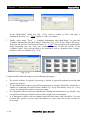
A dialog box (Fig. 11-4) will appear to remind you to close all opened NextOffice
documents and then restart Next Office. Remember to close also the “QuickStarter” residing
on the lower right hand corner.
Fig. 11-4
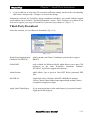
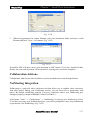
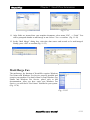
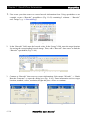
Note: In Win98/ME, you have to install Global IME. In Win2000 /
XP, you have to install the corresponding language pack, select menu
“Start”→ “Settings” → “Control Panel” → “Languages and Global
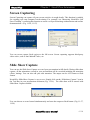
Settings” to install other language packs. (Fig. 11-5)
Fig. 11-5
File Extension Association
Creating File Extension Association allows you to default-open MS Office documents (with file
extensions “.doc”, “.xls”, “.ppt” and “.rtf”) by using NextOffice applications. You can then
double click on the document icons to open the MS Office documents with NextOffice.
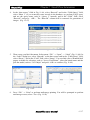
1.
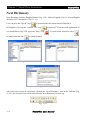
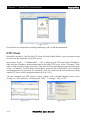
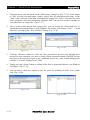
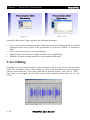
After Next Settings is started, you can see a tree view on the left side. Select option “File
Extension Affiliation” (If you cannot find “File Extension Affiliation” option, try double
click on the “NextOffice” field to expand the tree). (Fig. 11-6)
Fig. 11-6
1.
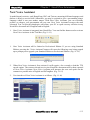
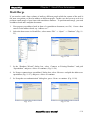
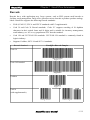
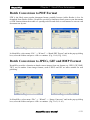
Fig. 11-7
You can check the check boxes on the right hand side to setup file extension association.
Then press <Change> to activate the change.
11-2
NextOffice User Manual