1
NextOffice
Chapter 11 NextOffice Extensions
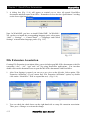
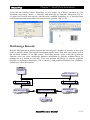
Fig. 11-22
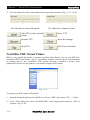
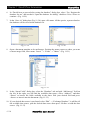
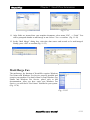
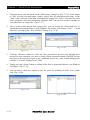
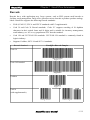
For detail on user instructions on using NetMeeting, refers to MS documentation.
FTP Client
NextOffice includes a Cute-Ftp like FTP client (Filezilla) which alllows you to preform secured
or unsecured ftp connection to any FTP server.
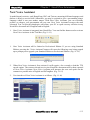
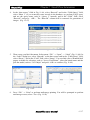
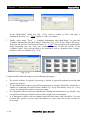
Select menu “Tools” → “Collaboration” → “ftp” to bring up your FTP client. In the “IP address”
field, enter the IP address or the domain name of the target FTP server. In the “Username” field,
enter a valid username, in the “password” field, enter the corresponding password and then press
<Enter> to continue. The FTP client will attempt to connect to the specified FTP server using the
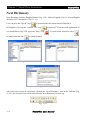
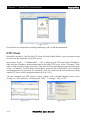
username/password as specified. If connection is OK, the content of the default directory in the
remote FTP server will be displayed on the left. (Fig. 11-23)
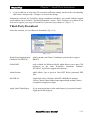
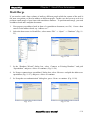
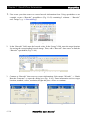
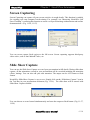
You can customize your FTP client to various settings, such as default language, proxy server,
security, etc. This is done by selecting menu “Edit” → “Settings”. (Fig. 11-24)
Fig.11-24
Fig. 11-23
11-8
NextOffice User Manual