1
NextOffice
Chapter 11 NextOffice Extensions
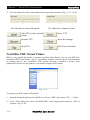
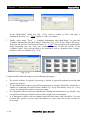
Fig. 11-20
3.
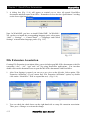
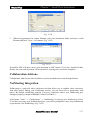
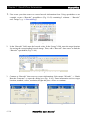
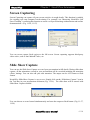
When being prompted for output filename, pick your destination folder and enter a valid
filename and press <Save> to continue. (Fig. 11-21)
Fig. 11-21
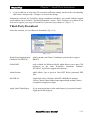
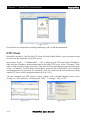
NextOffice PDF will then convert your document to PDF format. If you have installed Adobe
Reader, the converted document will be opened for viewing after conversion completes.
Collaboration Add-ons
Collaboration Add-ons provides facilitaties to perform collaborative tasks through Internet.
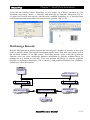
NetMeeting Integration
NetMeeting is a powerful video conference tool that allows you to conduct video conference
with other parties. During your NetMeeting session, you can share files or applications with
others. By default, NetMeeting supports a two-way conference unless your NetMeeting goes
through a properly configured Multiple Control Unit (MCU).
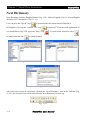
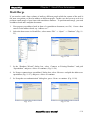
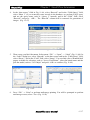
Select menu “Tools” → “Collaboration” → “NetMeeting” to bring up your NetMeeting session.
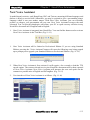
If you have not setup your NetMeeting before, you will be prompted to enter setup information
to personalize your NetMeeting. (Fig. 11-22)
NextOffice User Manual
11-7