1
Define the Area of Interest
The Area of Interest (AOI) is the area in which the video motion detection (VMD) is active. The
AOI is a rectangle, which its sizes are equal or less than the whole image size. If the vehicle’s license
plate location is outside the AOI, LPR will never happen even if the car is shown in the image.
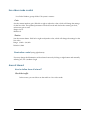
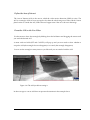
Draw the AOI on the Live Video:
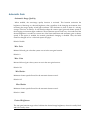
Use the mouse to draw the rectangle by holding down the left button and dragging the mouse until
you reach the desired AOI.
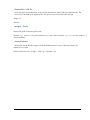
A menu with two fields (SET and CANCEL) will pop up and you now need to select whether to
accept the AOI (the rectangle does not disappear) or to cancel (the rectangle disappears).
You can set the rectangle as many times as you like until you are satisfied with the AOI.
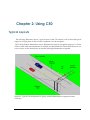
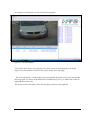
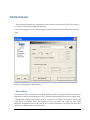
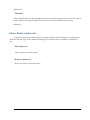
Figure 3.16 The AOI just before setting it.
In above image we can see AOI that can prevent the situation in the example above.
C50 user Manual - Live Video
40