1
Options
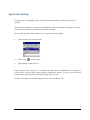
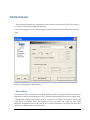
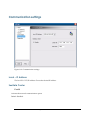
The Options settings can be used to change the appearance of the display.
How to reach Panes Properties?
Open Panes Properties from the main menu (View Properties Image Pane (or History Pane or
Status Pane))
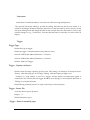
Open Panes Properties using these buttons:
·
Image Pane
·
History Pane
·
Status Pane
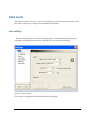
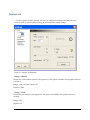
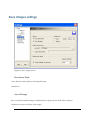
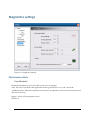
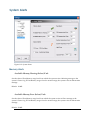
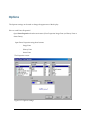
The Properties screen:
Figure 3.17: Options settings
C50 user Manual - Options
41