1
34
Chapter 2. Front-end Editing - Website Interface
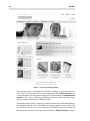
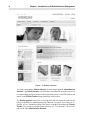
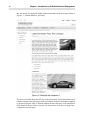
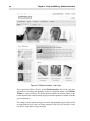
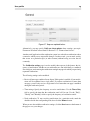
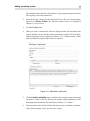
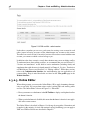
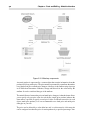
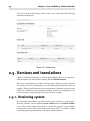
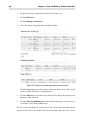
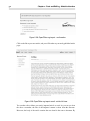
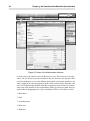
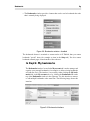
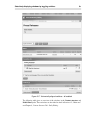
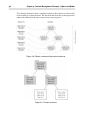
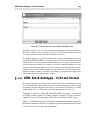
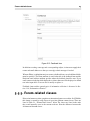
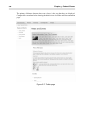
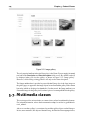
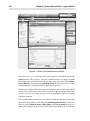
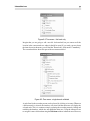
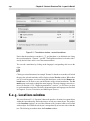
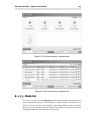
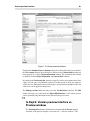
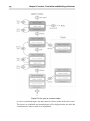
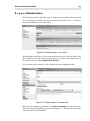
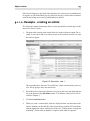
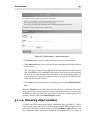
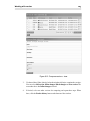
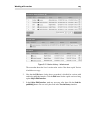
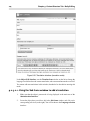
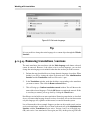
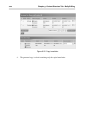
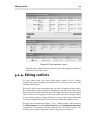
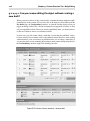
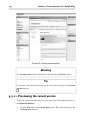
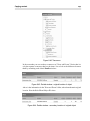
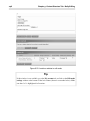
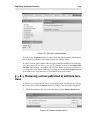
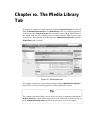
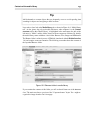
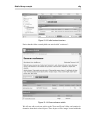
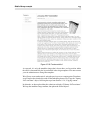
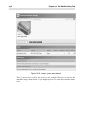
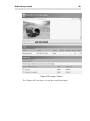
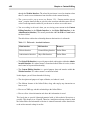
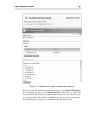
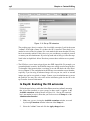
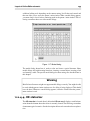
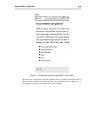
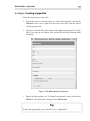
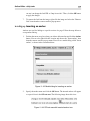
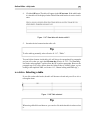
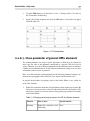
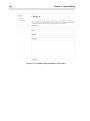
Figure 2.12. Add article - result
2.3.2.2. Editing content
Editing content is similar to adding content, in that the same attributes are displayed, but
they contain data from an existing object. Follow the steps below to edit content:
1.
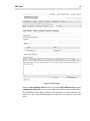
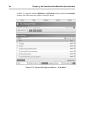
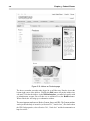
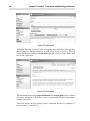
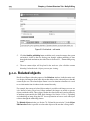
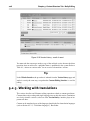
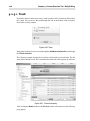
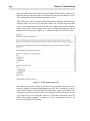
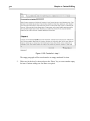
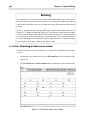
Browse to the page that you want to change. In other words, make sure you are
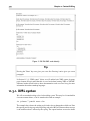
viewing the page that directly has the content you wish to modify. We are going to
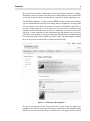
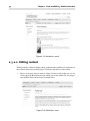
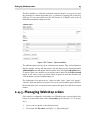
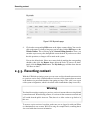
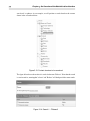
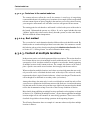
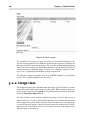
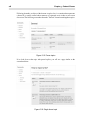
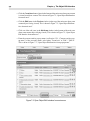
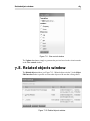
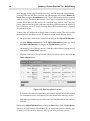
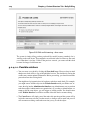
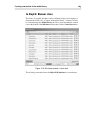
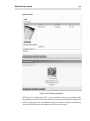
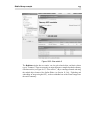
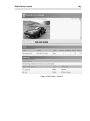
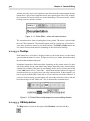
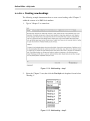
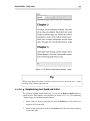
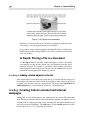
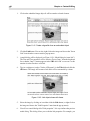
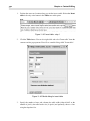
work with the article shown in the screenshot below.
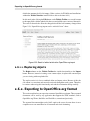
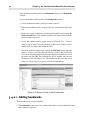
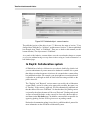
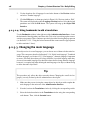
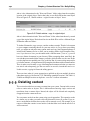
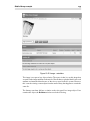
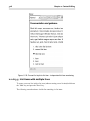
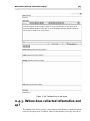
Figure 2.13. Edit article - start