1
Content manipulation
231
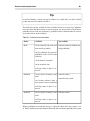
Tip
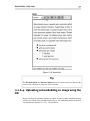
The location memory feature was introduced in eZ Publish version 3.9. For older versions,
you have to restore each location manually.
9.3. Content manipulation
This is the third and final section in our chapter about everyday editing tasks in the Administration Interface. Above we looked at the object creation process and the usage
of related objects, as well as editing procedures for drafts, versions and translations. We
now turn to the following editing tasks: previewing, sorting, moving, copying, deleting
and publishing at multiple locations.
9.3.1. Previewing content
You can preview your content as it would display to site visitors, both before and after
publishing it. More specifically, you can preview any content object version, including
the published one. If the version has multiple translations, you can select the language
in which to preview the content.
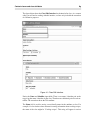
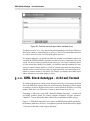
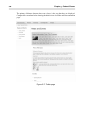
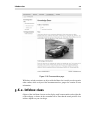
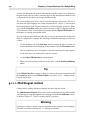
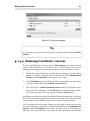
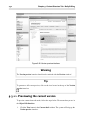
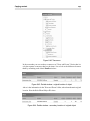
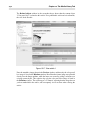
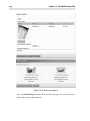
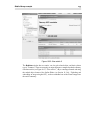
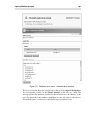
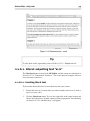
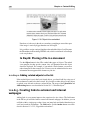
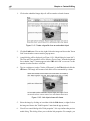
The preview feature can be reached from both the Object Edit Interface and the Version
history interface. In the Object Edit Interface it can be accessed by clicking the View
button. In the Version history interface, it can be accessed by clicking the different
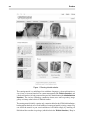
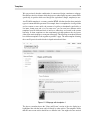
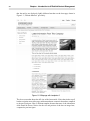
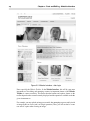
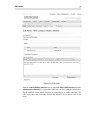
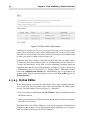
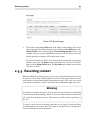
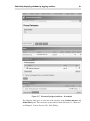
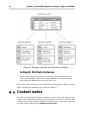
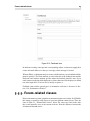
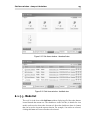
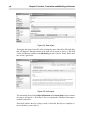
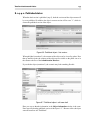
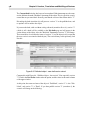
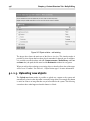
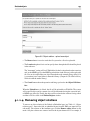
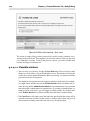
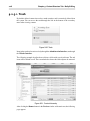
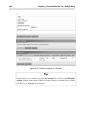
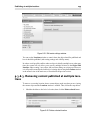
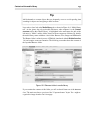
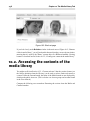
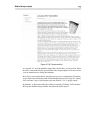
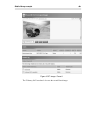
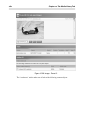
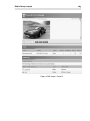
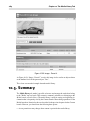
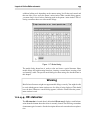
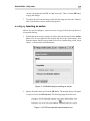
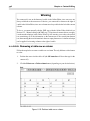
version numbers and translations. The following screenshot shows the Version preview
interface, first introduced in Section 7.7, “Version preview interface”. This interface is
also commonly referred to as the Preview interface for short. You can also access the
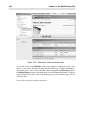
Preview interface by clicking on a version name or number in the draft (see Section 9.2.1,
“Smart editing using drafts”) and trash (see Section 9.2.5.1, “Trash”) lists.