1
Online Editor - daily tasks
341
Tip
You can type the link address directly into the URL field without having to choosing a
link type first.
11.2.6.6. Working with tables
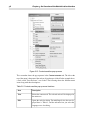
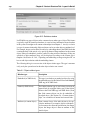
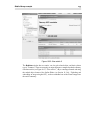
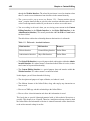
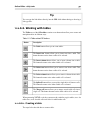
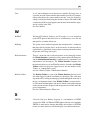
The Tables area of the OE toolbar contains seven buttons that allow you to create and
manipulate tables in different ways.
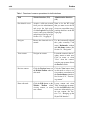
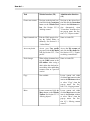
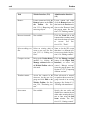
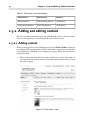
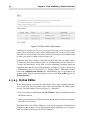
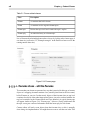
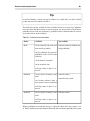
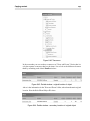
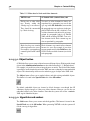
Table 11.3. Table-related OE buttons
Button
Description
The Table button allows you to create tables.
The Insert row button allows you to insert rows into a table. This
button becomes active when a table cell is selected.
The Insert column button allows you to insert columns into a table.
This button becomes active when a table cell is selected.
The Delete row button allows you to remove rows from a table. This
button becomes active when a table cell is selected.
The Delete column button allows you to remove columns from a table.
This button becomes active when a table cell is selected.
The Split cell button allows you to split a single table cell into two cells.
This button becomes active when a table cell is selected.
The Merge cell button allows you to merge several table cells into a
single cell. This button becomes active when a table cell is selected.
When generating XHTML code, the system uses the <table> tag for tables, <tr> for
table rows, <td> for table cells and <th> for table header cells.
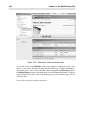
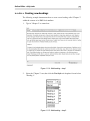
11.2.6.6.1. Creating a table
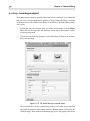
The steps below describe how to create a table.