1
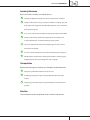
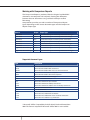
Change Settings
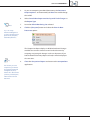
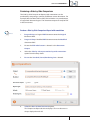
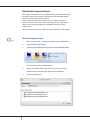
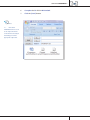
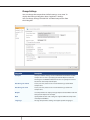
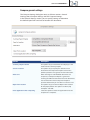
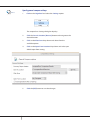
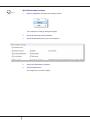
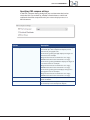
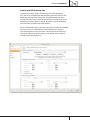
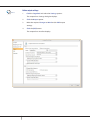
You can change the compareDocs default settings at any time. To
display the Settings dialog box, select Cogwheel > Settings.
You can change settings for both PDF and Word comparisons from
this dialog box.
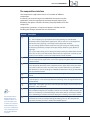
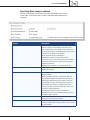
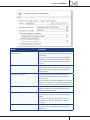
Integration
Description
Compare
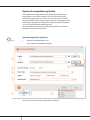
Compare default settings can be modified for both Word and PDF
comparisons as well as specifying the default Open location for
the Original and Modified documents. You can specify the Save to
location for the Comparison Report.
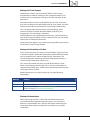
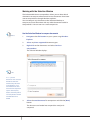
Rendering Set - Word
Create, rename, delete and save new Rendering Sets for Word
comparisons.
Rendering Set - PDF
Create, rename, delete and save new Rendering Sets for PDF
comparisons.
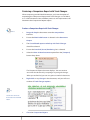
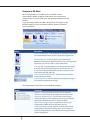
Output
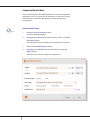
Set compareDocs to display Change Reports for both Word and PDF
Comparison Reports for example.
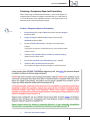
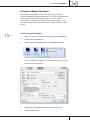
OCR
Specify OCR location and settings to support different comparison
and output workflows.
Language
Change compareDocs settings to support specific languages.
38
COMPAREDOCS QUICK STEP GUIDE