1
FRONT-PANEL MODES
6.4.1 Performing Compensation
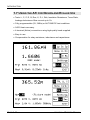
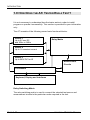
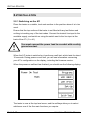
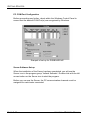
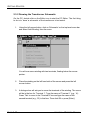
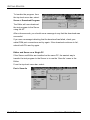
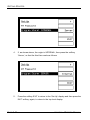
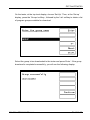
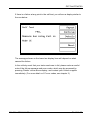
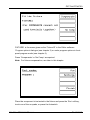
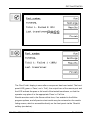
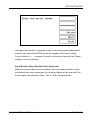
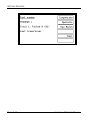
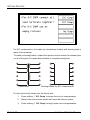
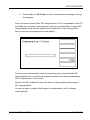
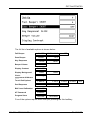
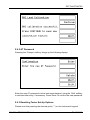
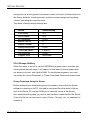
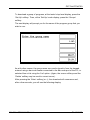
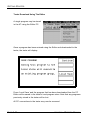
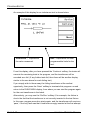
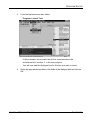
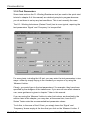
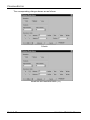
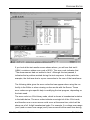
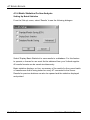
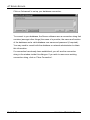
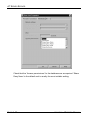
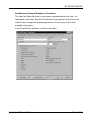
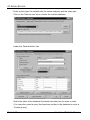
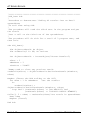
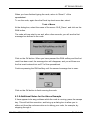
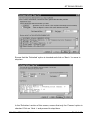
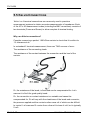
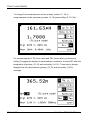
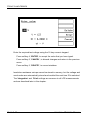
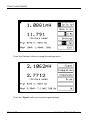
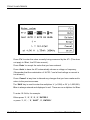
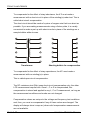
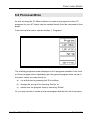
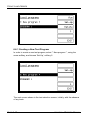
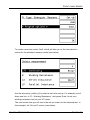
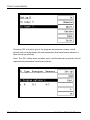
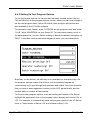
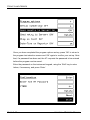
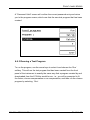
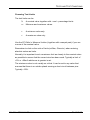
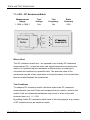
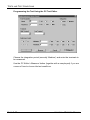
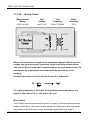
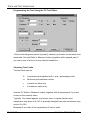
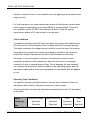
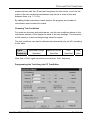
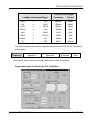
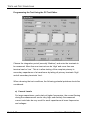
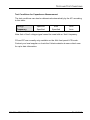
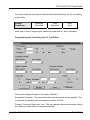
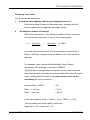
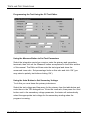
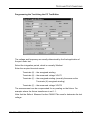
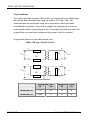
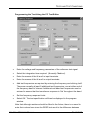
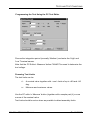
To perform compensation, press softkey 3, ‘Compensate’, in either the LCR
(BNC) or LCR (FIX) settings menus. You will see:
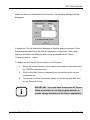
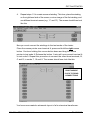
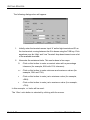
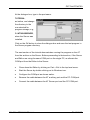
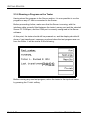
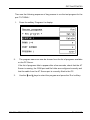
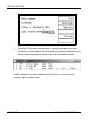
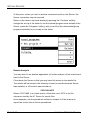
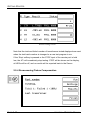
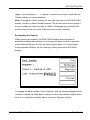
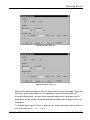
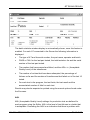
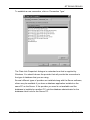
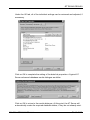
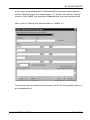
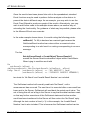
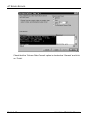
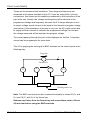
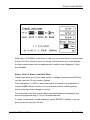
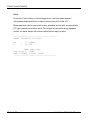
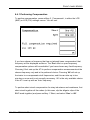
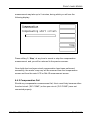
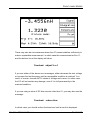
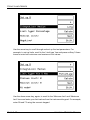
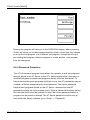
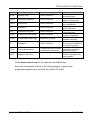
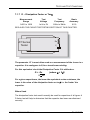
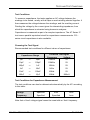
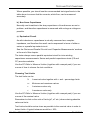
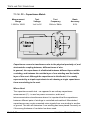
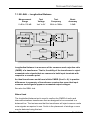
If you have chosen a frequency that has not already been compensated, that
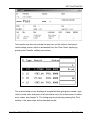
frequency will be displayed as above. The 'One' short or open-frequency
compensation options will be available if you have chosen any fixed frequency.
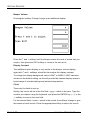
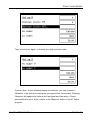
Choosing 'One' sets up the ATi to perform compensation measurements at the
chosen frequency only and is the preferred choice. Choosing 'All' will set up
the tester to re-compensate at all frequencies, and this can take up to two
minutes or more and is not normally necessary. 'All' is the only available choice
if the ATi is set up with an 'Auto' frequency.
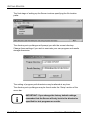
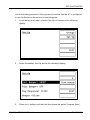
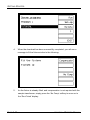
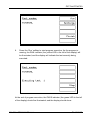
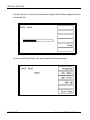
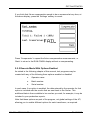
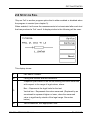
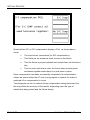
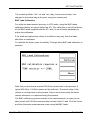
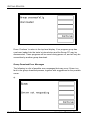
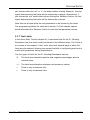
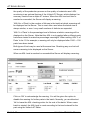
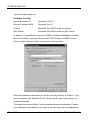
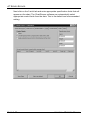
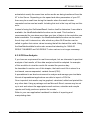
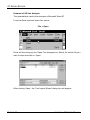
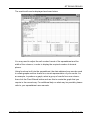
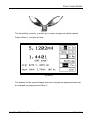
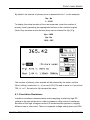
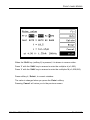
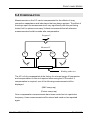
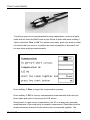
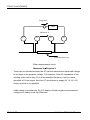
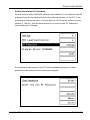
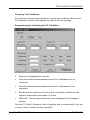
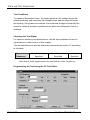
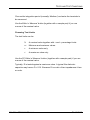
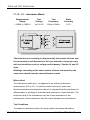
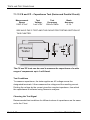
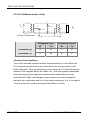
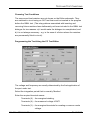
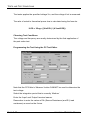
To perform short-circuit compensation for stray inductance and resistance, first
short-circuit together all the nodes (in this case, clip the alligator clips of the
BNC leads together) and press softkey 1 'Short; and select ‘One’ or 'All'.
VOLTECH ATI USER MANUAL
PAGE 6-31