1
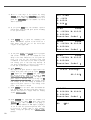
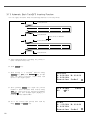
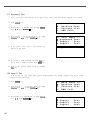
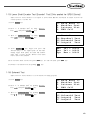
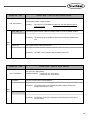
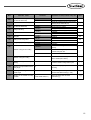
Function No. : 090
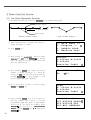
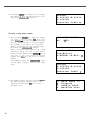
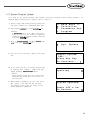
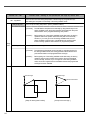
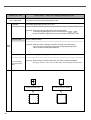
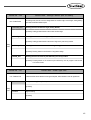
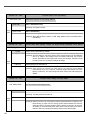
090. Save Type
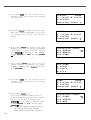
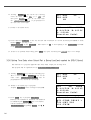
1) SAVE USB
Function Name: Save Type Setting
It determines the place of saving design patterns.
Save in USB (Default value)
[Contents] Save patterns in FDD.
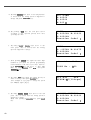
Setting 2) SAVE FLASH
Value
Save in Flash Memory
[Contents] When USB has errors or there is no USB, design patterns can be conveniently saved in
Flash Memory.
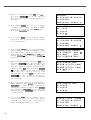
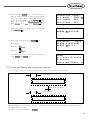
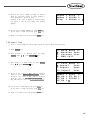
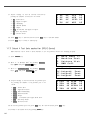
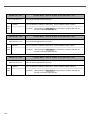
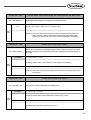
Function No. : 091
Function Name: When opening a design, the design internally memorized can be deleted.
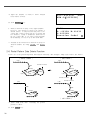
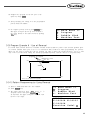
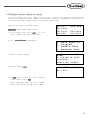
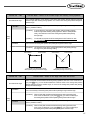
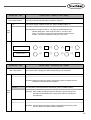
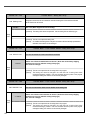
091. DsgnOpnCtrl
This function is to set whether other designs will be deleted when a new design is opened.
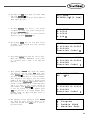
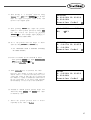
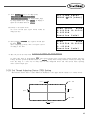
1)SAVE
Setting
Value
Design Saving in Flash Memory (default)
[Contents] Save the designs to the interior memory when opening designs from the USB flash
drive or CF CARD. If other designs need to be opened continuously, they could be
saved in Flash Memory and it might cause memory save shortage. Therefore it would
be better to save up to 16 designs (100kbyte per design).
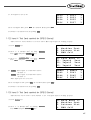
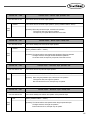
2) DELETE
Deleting Designs from Flash Memory
[Contents] When designs are opened from Flash Memory, the designs will be deleted
consecutively one by one. Therefore, whenever designs are opened from Flash
Memory continuously, the current design will remain saved, while other designs are
deleted.
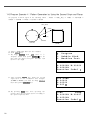
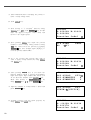
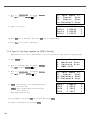
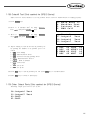
Function No. : 092
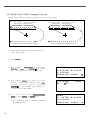
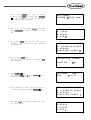
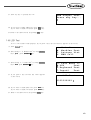
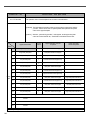
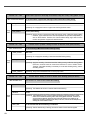
092. Safety Mode
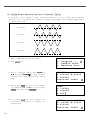
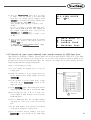
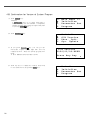
1) DISABLE
Function Name: Setting the Safety Mode
This is a function to offer safety to users.
Not in use (at the time of the factory release)
[Contents] The safety mode has not been set.
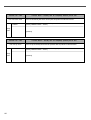
Setting
Value
156
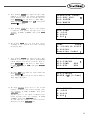
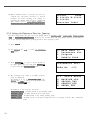
2) ENABLE
Used.
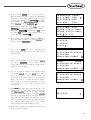
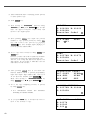
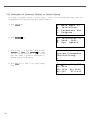
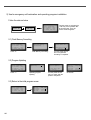
[Contents] When the function is set, if the sewing machine is stopped because of emergency stop,
thread sensing or pause code, the sewing machine remains stalled even when the
pedal start switch or the clamp up/down switch is pressed or when any OP box keys
are entered. To cancel the safety mode, press "EXE" on the left bottom of the OP Box.
When the "EXE" key is pressed, the sewing machine can be operated again.