1
62
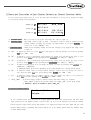
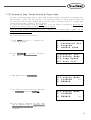
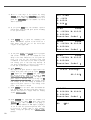
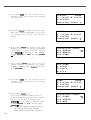
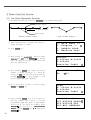
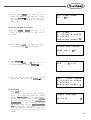
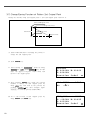
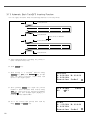
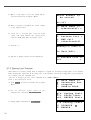
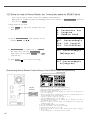
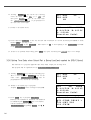
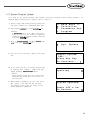
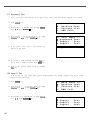
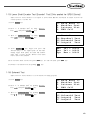
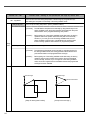
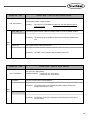
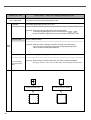
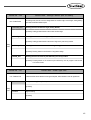
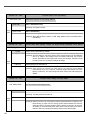
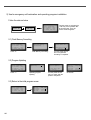
C. After moving to “2. Program” menu by using
direction key
, press ENTER key. At this
time, the upper feed plate comes down and
moves to the original point.
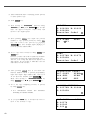
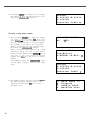
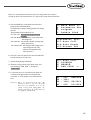
ORIGIN
X:00000A N:00000
Y:00000A
Function Code?
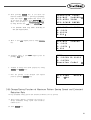
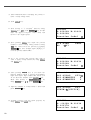
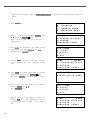
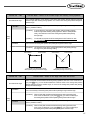
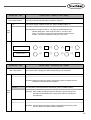
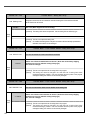
D. After pressing READ key, input the pattern
number to change maximum sewing sped and
extension/reduction rate by using digit key and
read in the pattern by pressing ENTER key.
(For example, input [0][0][1] to read the
pattern number 001.)
014:PTRN
NO
:001
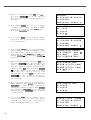
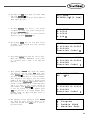
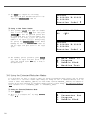
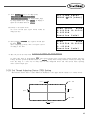
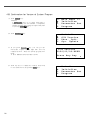
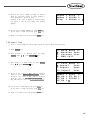
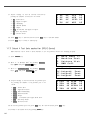
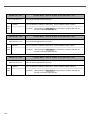
E. Go to pattern data start location by using
FORW and BACK key.
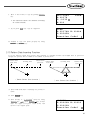
JUMP
X:-0400A N:00038
Y:00200A
Function Code?
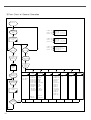
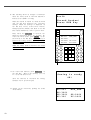
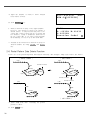
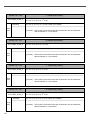
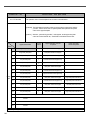
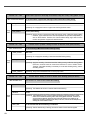
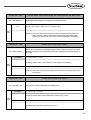
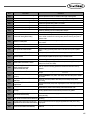
F. After pressing CODE key, if you know the
function number related to pattern programming,
input three-figure digit number 050 and if you
do not know, press ENTER key. Then, after
moving to “050:SPD CHNG”by using direction
key
, press ENTER key.
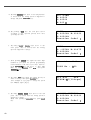
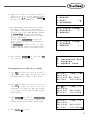
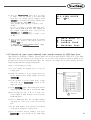
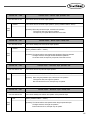
<Function Code>
050:SPD
CHNG<
051:STITCH DRAG
052:STITCH DEL
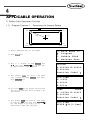
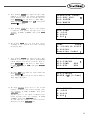
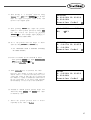
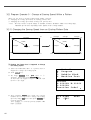
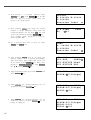
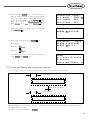
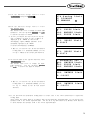
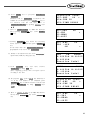
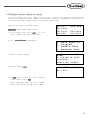
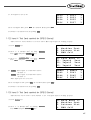
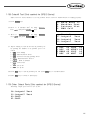
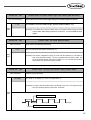
G. Input maximum sewing speed value STSPM and
press ENTER key.
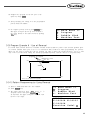
050:SPD
CHNG
STSPM:25[100spm]
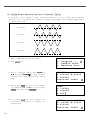
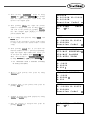
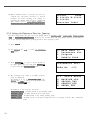
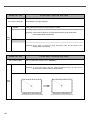
H. Input XSCAL, the extension/reduction rate for
X-direction and press ENTER key.
050:SPD
CHNG
STSPM:25[100spm]
XSCAL:100%
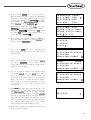
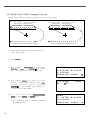
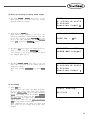
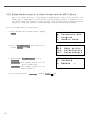
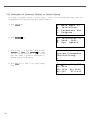
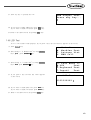
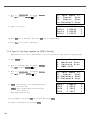
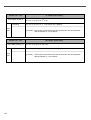
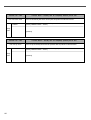
I. Input YSCAL, the extension/reduction rate for
Y-direction and if you press ENTER key, all
setting is completed.
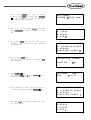
050:SPD
CHNG
STSPM:25[100spm]
XSCAL:100%
YSCAL:100%
READ