1
DIVA Quick Start, version 1.0.1
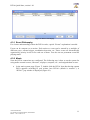
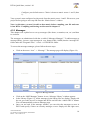
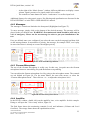
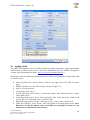
and then push the “Store” button. For this example, all of them are selected and
security has been desired for “AlarmDE” and “EvacuationEng”.
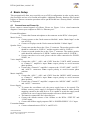
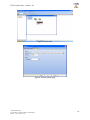
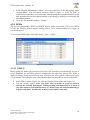
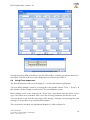
Figure 15: Message Manager Library page
•
•
Close the message page and go back on the “DIVA1” page.
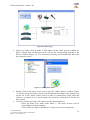
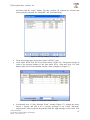
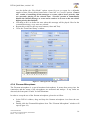
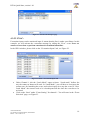
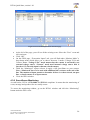
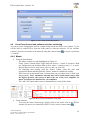
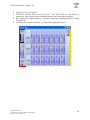
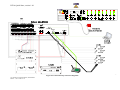
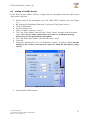
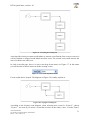
Click, under DIVA icon, the “Front Panel Setup” (Figure 16). You need to assign an
event to the message buttons of the front panel (Evac, Alert and Test). For each
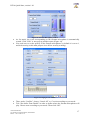
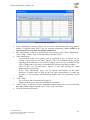
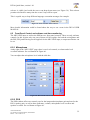
button, make a new event and then edit the events (example on Figure 17).
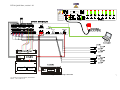
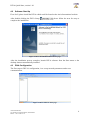
Figure 16: “Front Panel Setup” window
•
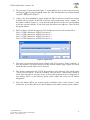
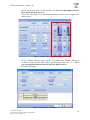
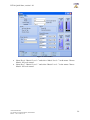
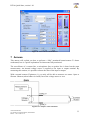
In dedicated area of “Play Message Event” window (Figure 17), change the name,
choose a priority and tick if it’s a security message or not. Under “Message”
emplacement, choose with the drop-down menu the right message for the event. You
Ateïs International
Ch. du Dévent, 1024 Ecublens, Switzerland.
Phone : +41 21 881 25 10
15